 Orivane
WEAVE DRAFTS · IPHONE & IPAD
Thread it.
Lift it.
See the cloth.
Edit small shaft-loom drafts, inspect the interlacements and carry real structure to your workbench.
One upfront purchase. No subscription.
Prepared for App Review; availability depends on Apple.
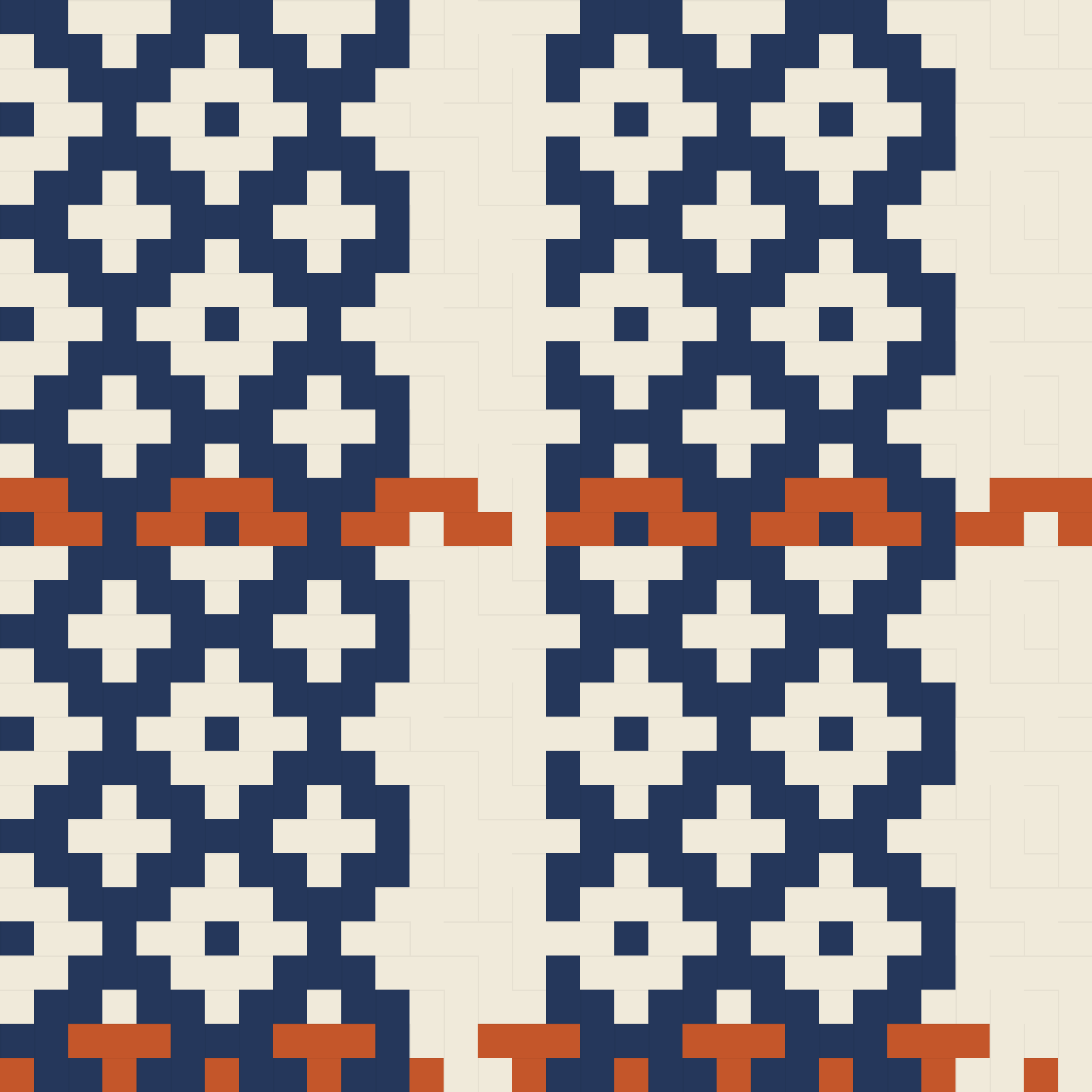
Edit the draft
Single-shaft threading, raised shafts per pick and named yarn colors. Presets, reverse, invert, undo and redo.
Check both faces
Scan warp and weft floats, including runs across a repeat edge. Keep a separate next-pick position for each draft.
Keep it editable
WIF liftplan, full JSON backup, front/back PNG, indexed PDF and crossing/float CSV. Share individual files or a complete ZIP.
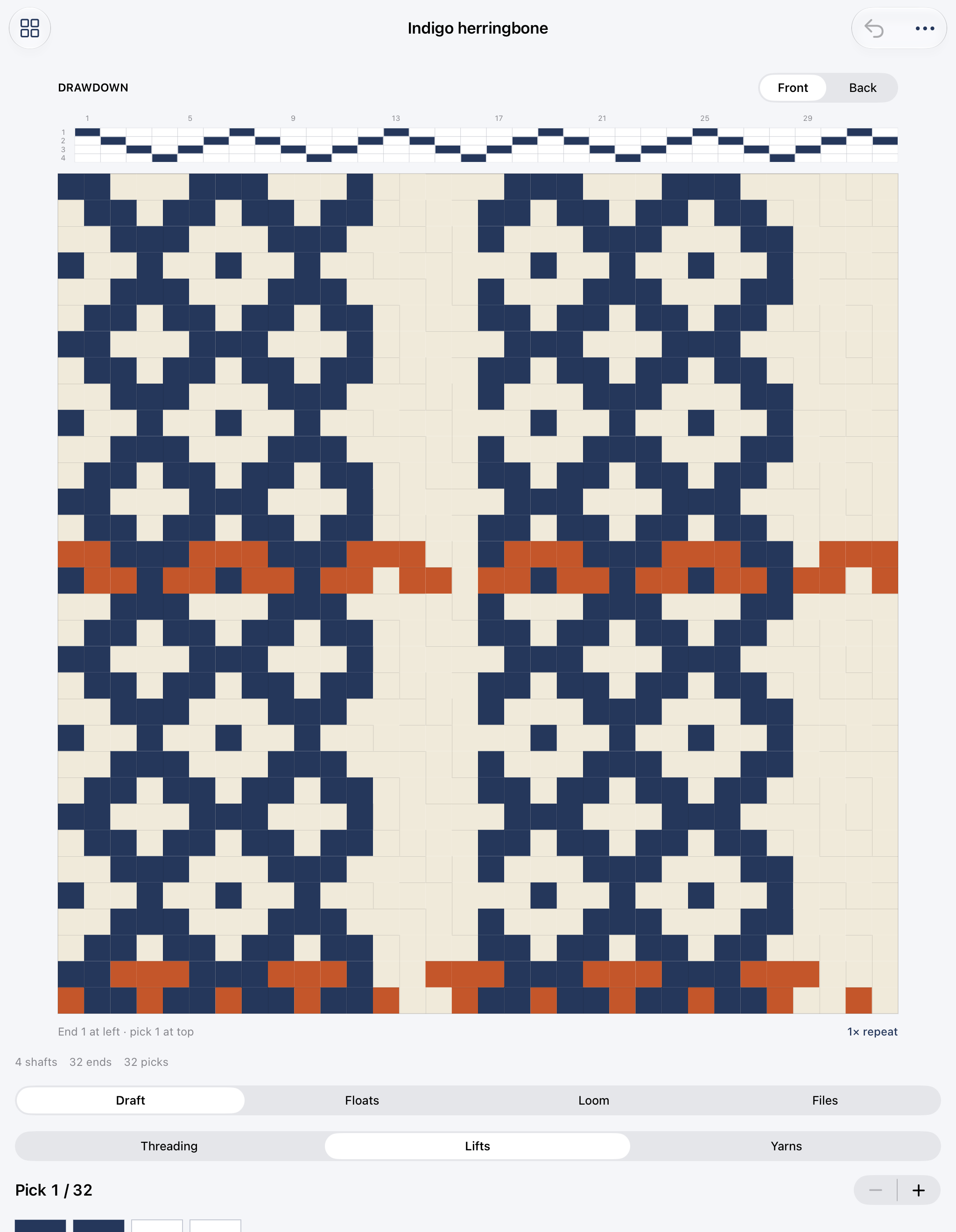
A draft is the workspace.
Threading stays above the cloth. Pick lifts sit beside it on an iPad in landscape. In portrait, the larger cloth leads into the editor below. The preview uses the same stored structure as the exported files.
Support
Email maga40@naver.com with your app version, device and a description of the issue. Share a draft only if you want us to inspect it; remove private notes first.
Supported drafts
2–8 shafts, 4–64 ends, 4–128 picks, 2–12 RGB colors and 24 locally saved drafts. This version has no electronic loom connection.
Import and backup
Use More → Import WIF or backup to select a WIF1.1 (up to 1 MB) or a full Orivane JSON backup (up to 1.6 MB). WIF accepts single-shaft threading and liftplan, or tieup+treadling with up to 32 treadles, rising or sinking shed. The original is retained unchanged. Thickness, spacing, symbols, author/private fields and loom-specific data are not edited or copied into generated WIF. Output is a rising-shed shaft liftplan; external app and hardware compatibility have not been verified.
Generate draft files again after editing. Export JSON before deleting work. The Documents folder is available in Files. If the library is damaged, the app retains the original and blocks overwriting; recover or move drafts.json using Files before relaunching.
Float review
This is a structural analysis, not yarn physics or a guarantee of fabric suitability. Finite scans use one draft; cyclic scans join repeat boundaries. Unbroken means there is no crossing in that direction. CSV and PDF float summaries use threshold 4; the app allows thresholds 2–16. Inspect and sample before committing to a loom setup.
Privacy policy
Effective October 2, 2026. Gobling Company develops Orivane.
The app does not collect, transmit to the developer, sell or track your data. It has no account, advertising, analytics or network SDK. Drafts, notes, imported WIF originals, progress and generated files are stored in the app’s local Documents folder.
When you choose Files, sharing or a support link, the selected operating-system service, destination or email provider handles that action under its own policies. Device backups and Files providers are controlled by you and the operating system. Delete local drafts inside the library; exported files can be removed in Files. Uninstalling removes app-local data subject to your device’s backup settings.
If you contact us, we use the email and any voluntarily attached material to answer your request. Contact maga40@naver.com for privacy questions.
Terms
Orivane provides editing and structural checking aids. You are responsible for reviewing imported drafts, checking loom suitability and sampling cloth. Keep independent backups. No machine control or third-party compatibility guarantee is offered. Apple handles app purchase, regional pricing and refund requests; Apple’s standard application license applies where applicable.
The indigo study, app icon and product artwork are original Orivane assets. Imported files remain yours. Reference products and their trademarks are not affiliated with Gobling Company.