01
Record or import
Start with a fresh voice recording or choose a compatible audio file from Files.
Local spoken-audio cleanup
iPhone and iPad · One-time purchase
Remove long silence from voice recordings and Voice Memos, compare the result, and export a real cleaned M4A with a source-to-output CSV cleanup map.
USD 3.99 paid upfront · No subscription · No ads · No cloud upload
From source to proof
01
Start with a fresh voice recording or choose a compatible audio file from Files.
02
Review the original and cleaned durations while long quiet sections are removed locally.
03
Create a cleaned M4A and a CSV cleanup map that relates retained source ranges to the output.
Production-generated sample
A fictional synthetic interview was processed by the same AudioCleanupService shipped in the app. No user recording or private file is included.
Source M4A
Cleaned M4A
Real app screens
These screenshots use fictional example recordings. The submitted app processes user-selected audio locally and shares only files the user chooses.
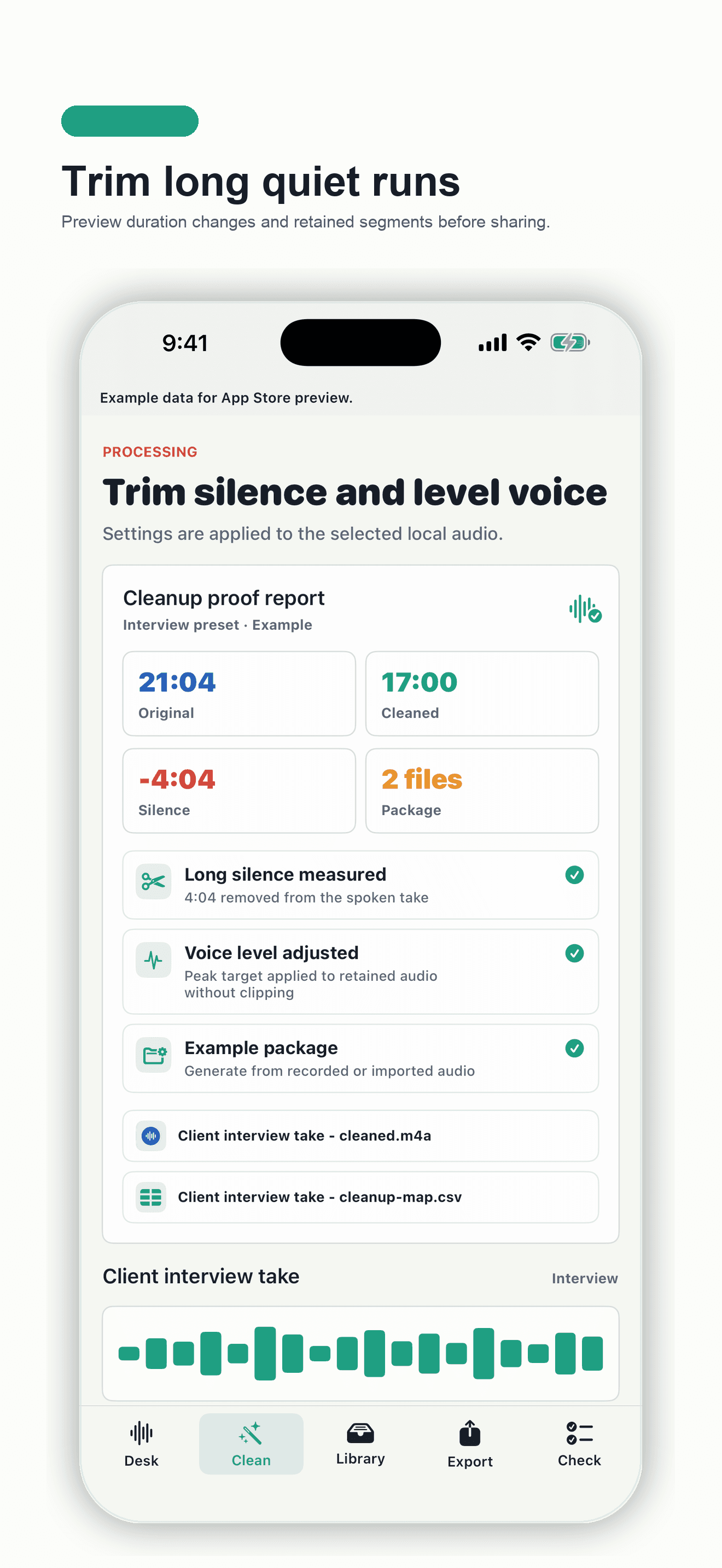
Compare original length, cleaned length, removed silence, retained segments, and ready files.
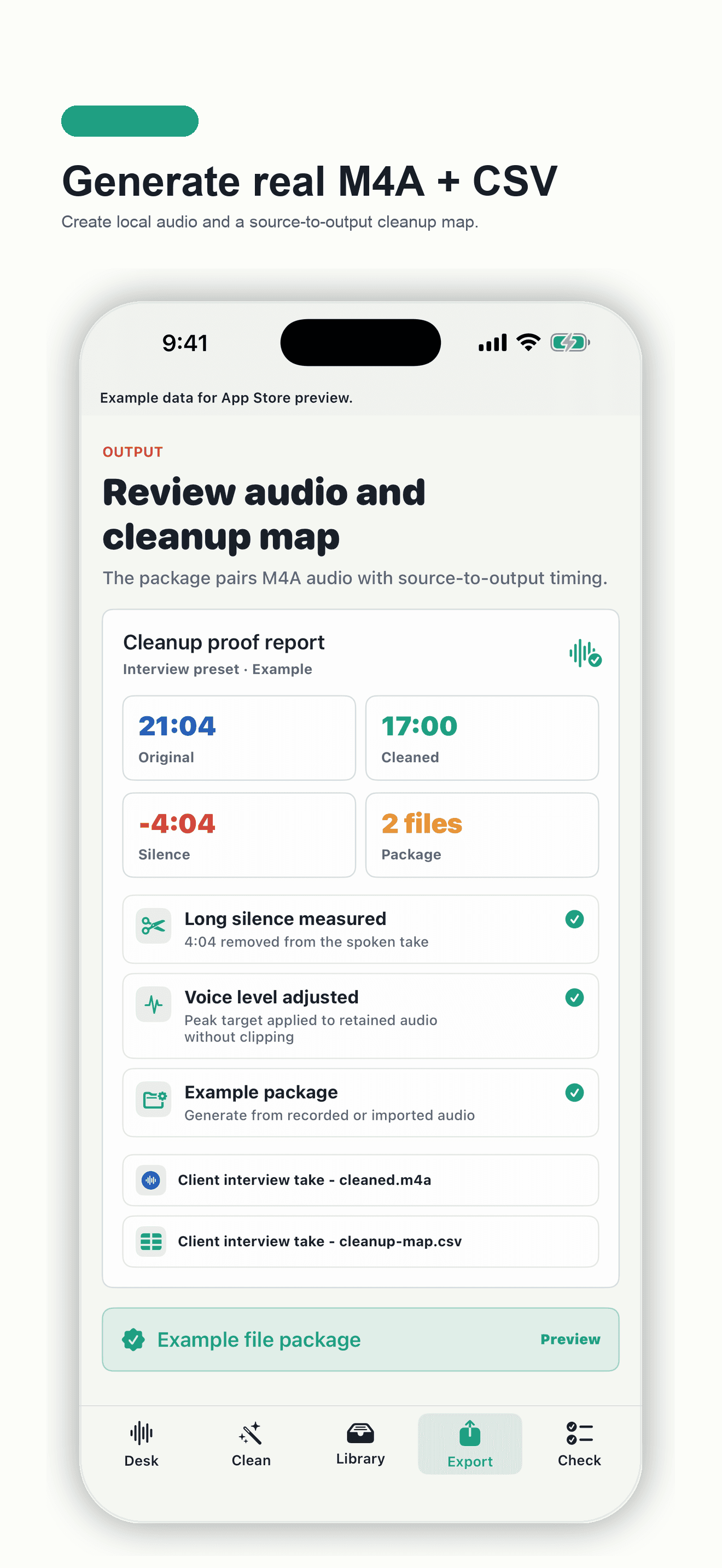
Inspect the generated audio file and source-to-output cleanup map before sharing.
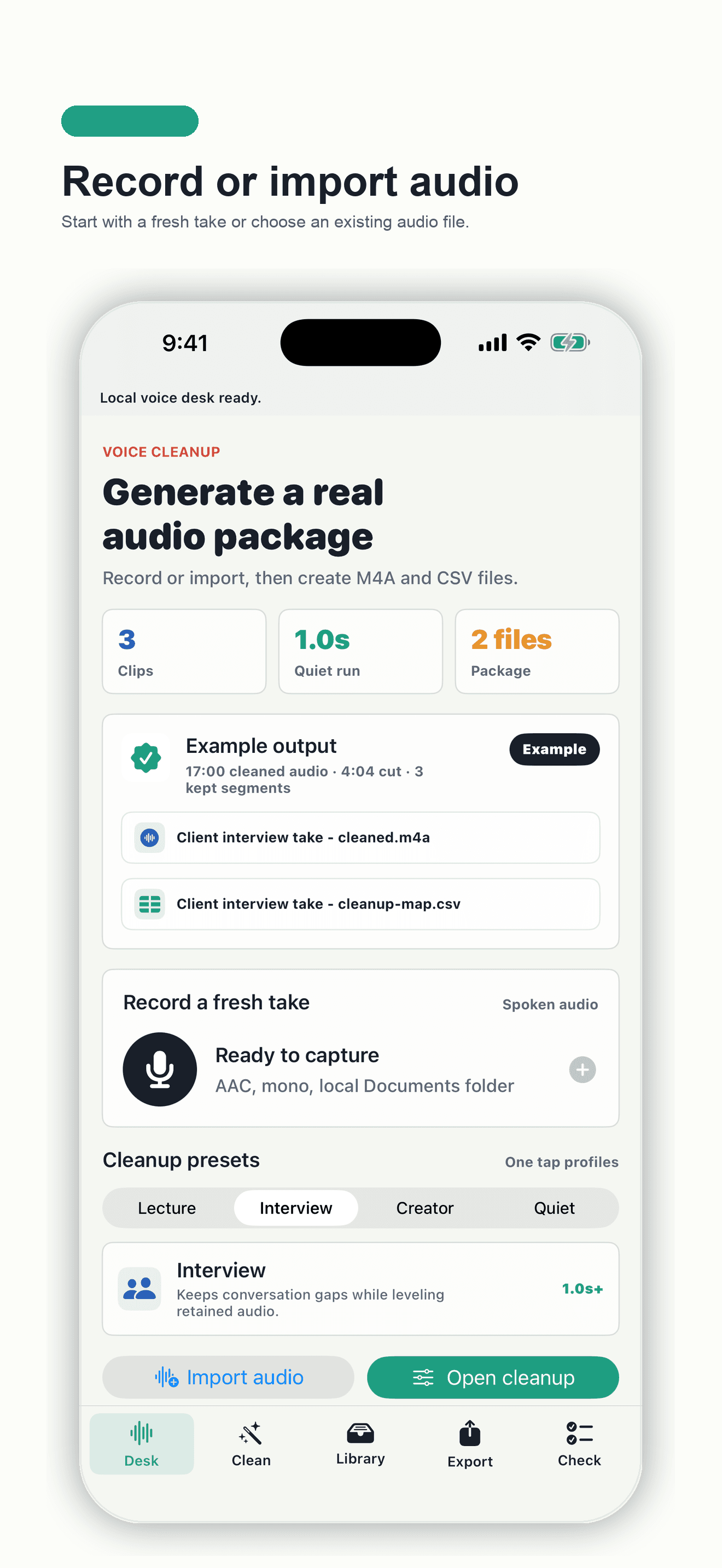
Capture a take or import audio without creating an account or sending files to a server.
Clear product boundaries
Pocket Voice Cleaner removes long quiet runs and can apply bounded level adjustment. It does not claim transcription, studio mastering, or broad background-noise removal.
Questions and answers
Import a compatible spoken-audio file or record a new take, choose a cleanup profile, review the detected long quiet runs, then export the cleaned M4A. Pocket Voice Cleaner performs this workflow on the device.
Yes. Save or share a compatible Voice Memo audio file to Files, import it into Pocket Voice Cleaner, trim long silent sections, and export a cleaned M4A without uploading the recording.
Pocket Voice Cleaner detects and trims long quiet runs. It is designed for spoken recordings such as interviews, lectures, creator takes, and voice notes.
Yes. After processing a recorded or imported source, the app writes a cleaned M4A file and a CSV cleanup map to its local container.
Yes. This page includes a privacy-safe synthetic speech source, the cleaned M4A produced by the app's production AudioCleanupService, and the matching source-to-output cleanup map CSV.
The CSV records output start, source start, source end, duration, and segment label for each retained range, making the edit easier to review and hand off.
No. Audio processing and export happen on the device. The app has no account, advertising SDK, analytics SDK, tracking, transcription service, or developer-server upload.
No. Pocket Voice Cleaner is a one-time paid app with no subscription, in-app purchase, or advertising.
No. It focuses on trimming long quiet runs and applying bounded level adjustment to retained spoken audio. It does not claim transcription, studio mastering, or broad background-noise removal.