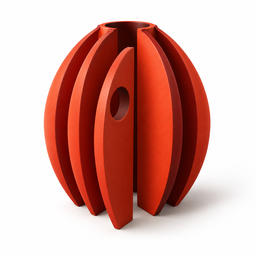
STL SECTIONS · iPhone & iPad
From a solid model
to usable outlines.
Take an existing STL, choose its section planes, and export actual SVG and DXF contours. A measured handoff for makers and model designers.
One $3.99 US upfront purchase includes every feature. No subscription, in-app purchases or account. App Store submission in progress; regional prices vary.
Keep the model
beside its section.
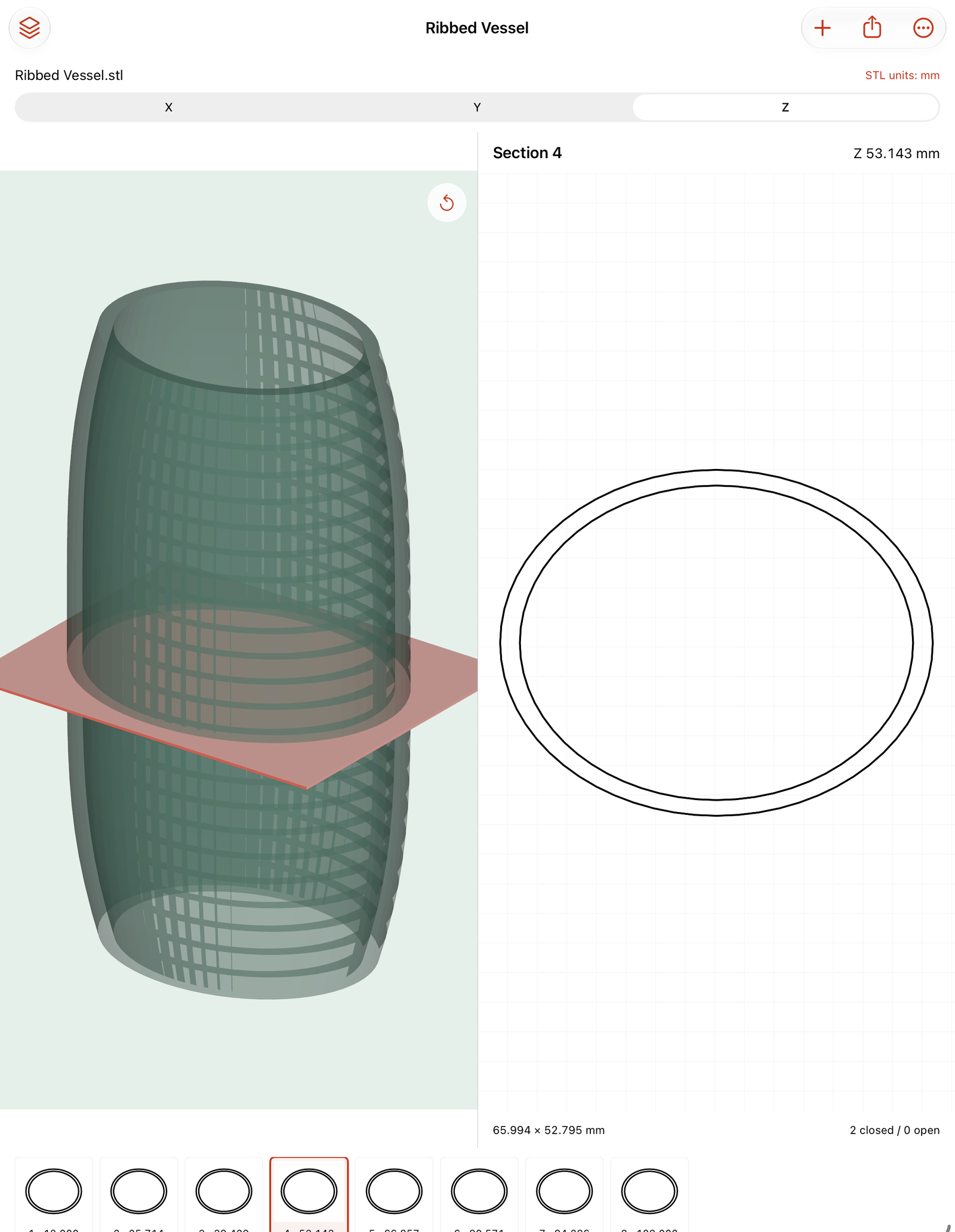
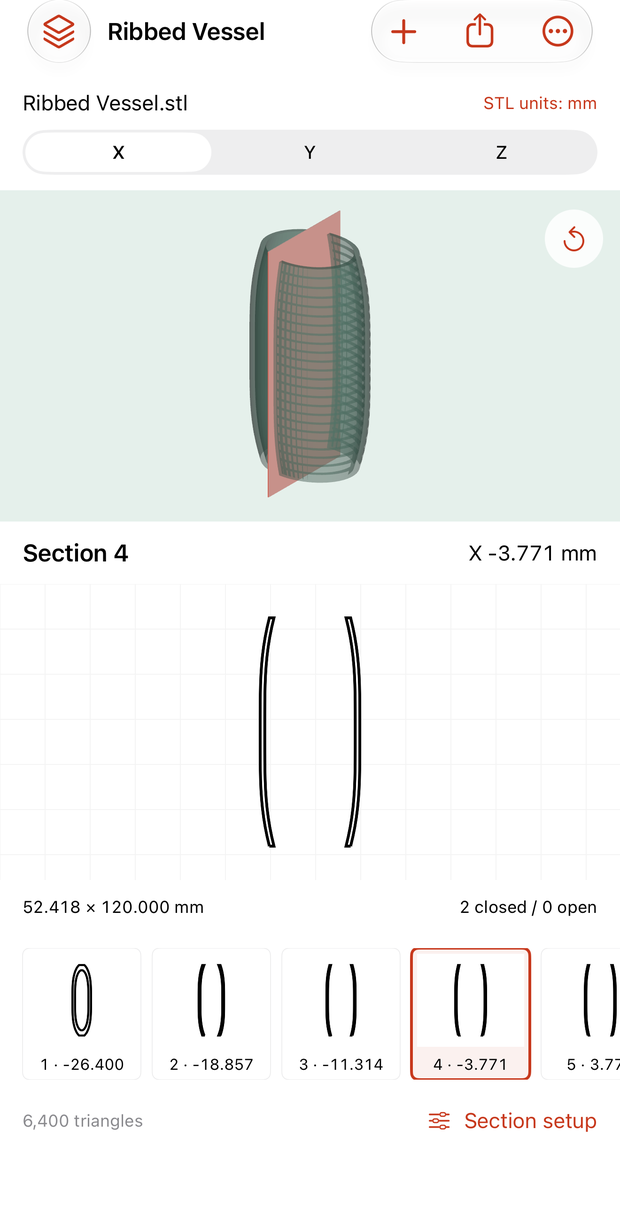
Import binary or ASCII STL from Files. Confirm mm or inches, pick X/Y/Z, then set 1–24 sections between your chosen start and end. Orbit the source, inspect the selected contour and browse the section strip.
Save up to 12 models with original local files, names and notes. Save, apply and remove reusable setup presets.
Share files
you can work with.
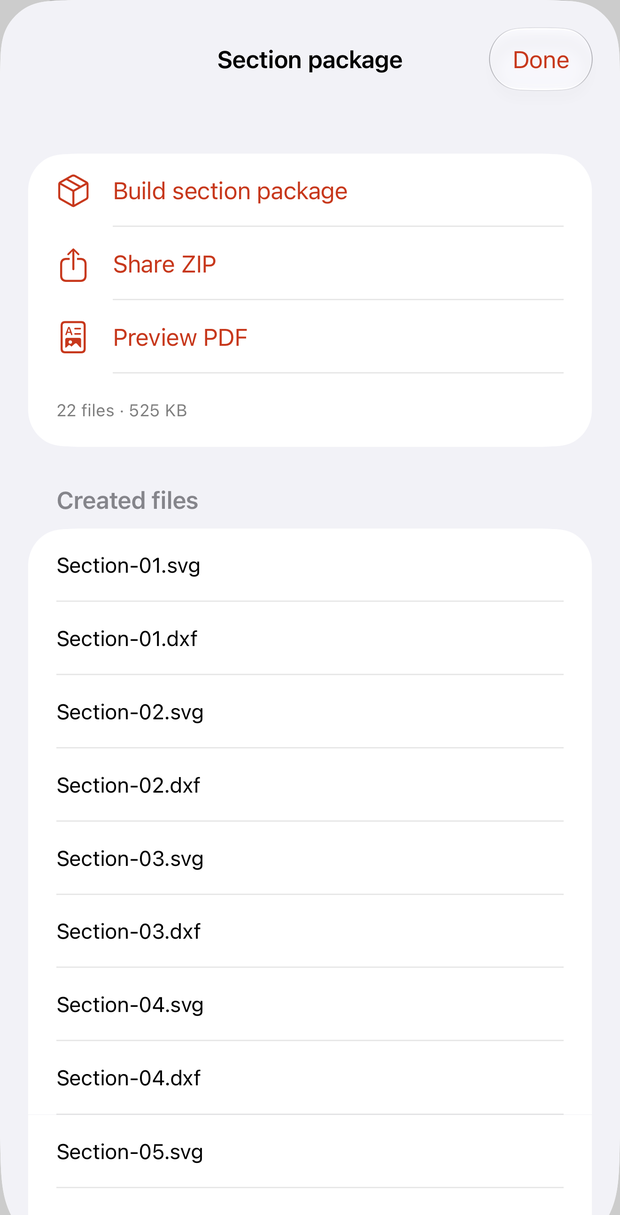
Build one ZIP with an SVG and DXF for every section, a fitted PDF section book, coordinate and summary CSV, Project.json, the original STL and a Readme. Preview the real PDF, then share with the native sheet.
SVG and DXF are in mm. Coordinates retain projected source axes and round to 0.001 mm. PDF pages fit and print their scale; they are not automatically full-size cutting templates.
Inspect before fabrication.
STL has no unit metadata. Ribcast needs your mm/inch assumption. Open paths stay open, branch nodes split paths, and coplanar triangles are skipped and counted. Tangent or boundary sections can be incomplete. Check dimensions and units in the receiving application and printer.
Limits: 15 MiB and 100,000 triangles per STL, 24 sections, 300,000 total section points, 12 saved models, 200 MiB original storage and 20 presets. Available device space is required. Ribcast does not repair or certify mesh topology, infer printability or wall thickness, edit solids, nest shapes, compensate kerf, generate G-code/toolpaths or guarantee manufacturing results.
The ZIP includes source files, model names and notes. Review before sharing. It documents your settings; it is not an in-app restore format. Keep original files separately.
Support
Email maga40@naver.com with “Ribcast”, your iOS version and the step that failed. Do not send confidential models. A minimal non-sensitive example is optional.
How do I get a section package?
Import STL, confirm input units, select an axis and open Section setup. Adjust count and range. Tap a contour thumbnail to inspect it. Export → Build section package → Preview PDF or Share ZIP. Try original sample provides an optional original hollow vessel.
Why is a contour open or missing?
Open or non-manifold source geometry, branch intersections and coplanar/tangent boundaries can produce open, split or missing contours. Notices report open paths, branch nodes and skipped coplanar triangles. Ribcast does not fill or repair them.
How do I remove a saved model?
Open Models, swipe a model and confirm Delete. Its local original, settings and outputs are removed. Keep your original and important exports elsewhere.
Privacy policy
Effective October 2, 2026. Gobling Company does not collect data through Ribcast. The app contains no advertising, analytics, tracking, account, SDK, developer upload or network service. Imported files, local copies, settings, names, notes, presets and outputs stay on the device until you explicitly share using the system sheet. We receive none of these operations.
Files providers and device backups follow your system settings. Deleting a saved model removes its local source and output; uninstalling removes app-local data. Keep originals separately.
If you email support, voluntarily supplied correspondence is used to answer you. This website and email providers are separate from the offline app and may process ordinary request information. Contact maga40@naver.com for privacy questions or deletion of support correspondence.
Terms of use
Only import and share models you are permitted to use. Keep originals and inspect units, scaling and contours before relying on output. Ribcast supplies the supported offline section extraction described above; it does not provide manufacturing certification or universal CAD repair. Apple’s standard license and App Store purchase/refund terms apply. Gobling Company owns Ribcast and its original sample and artwork; you retain rights to your files. Contact support for defects.