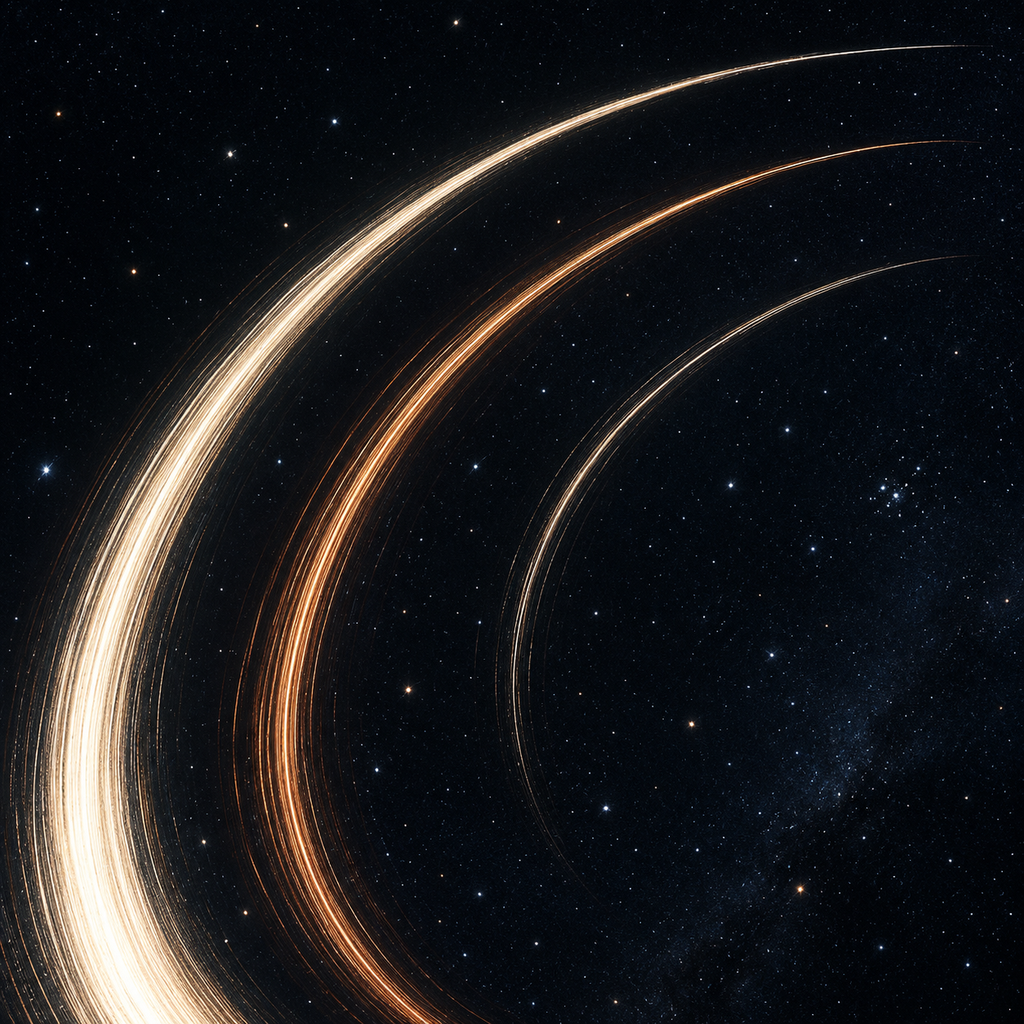
A night’s frames.
One finished image.
Combine a stationary-camera still sequence into star trails or light trails on iPhone and iPad. Review the sources, choose a finish and keep the result.
One upfront purchase. No subscriptions or ads. Files are processed on your device.
These screens preview version 1.1. Check the App Store for the currently released version before purchase.
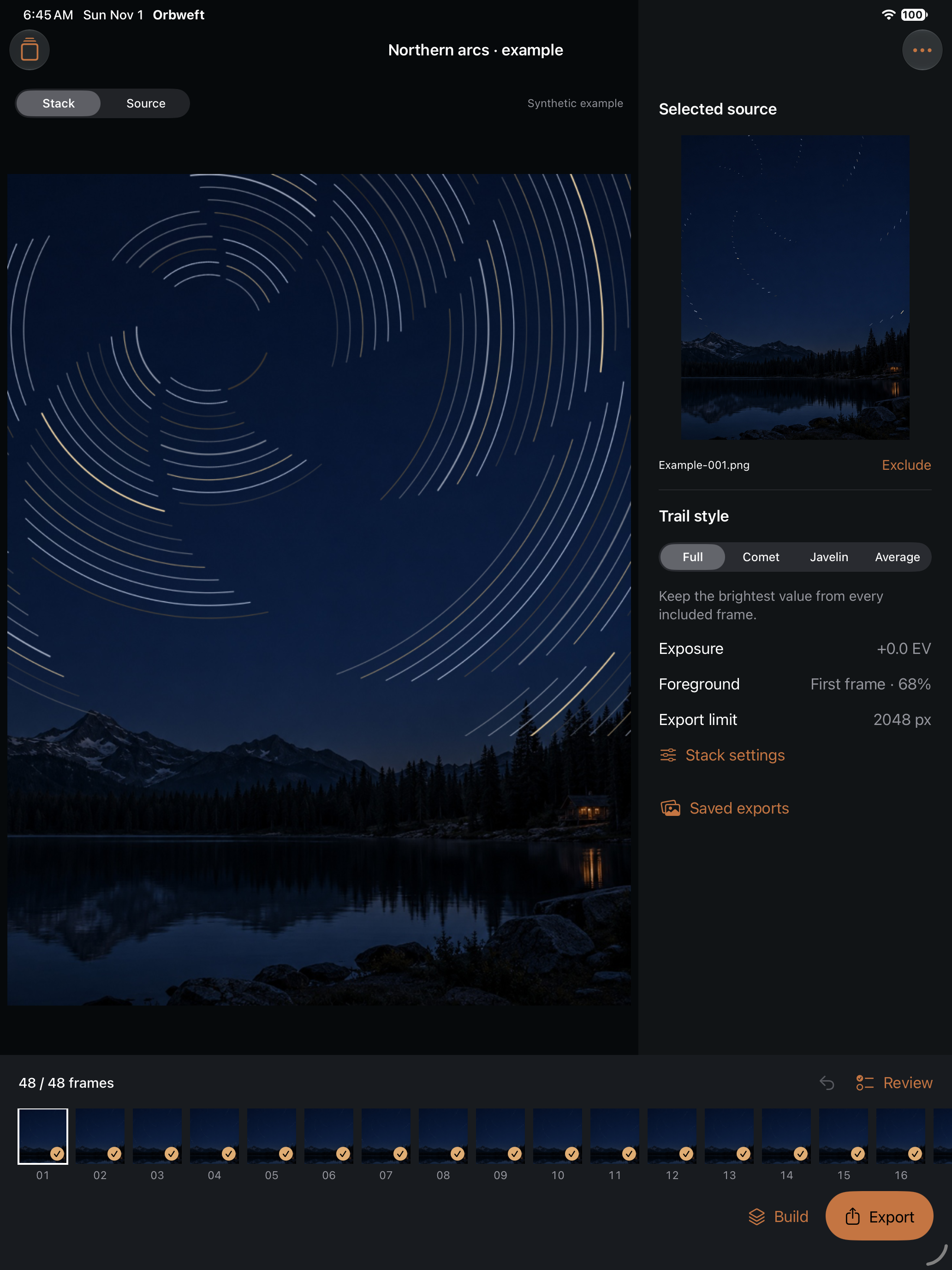
A look at version 1.1
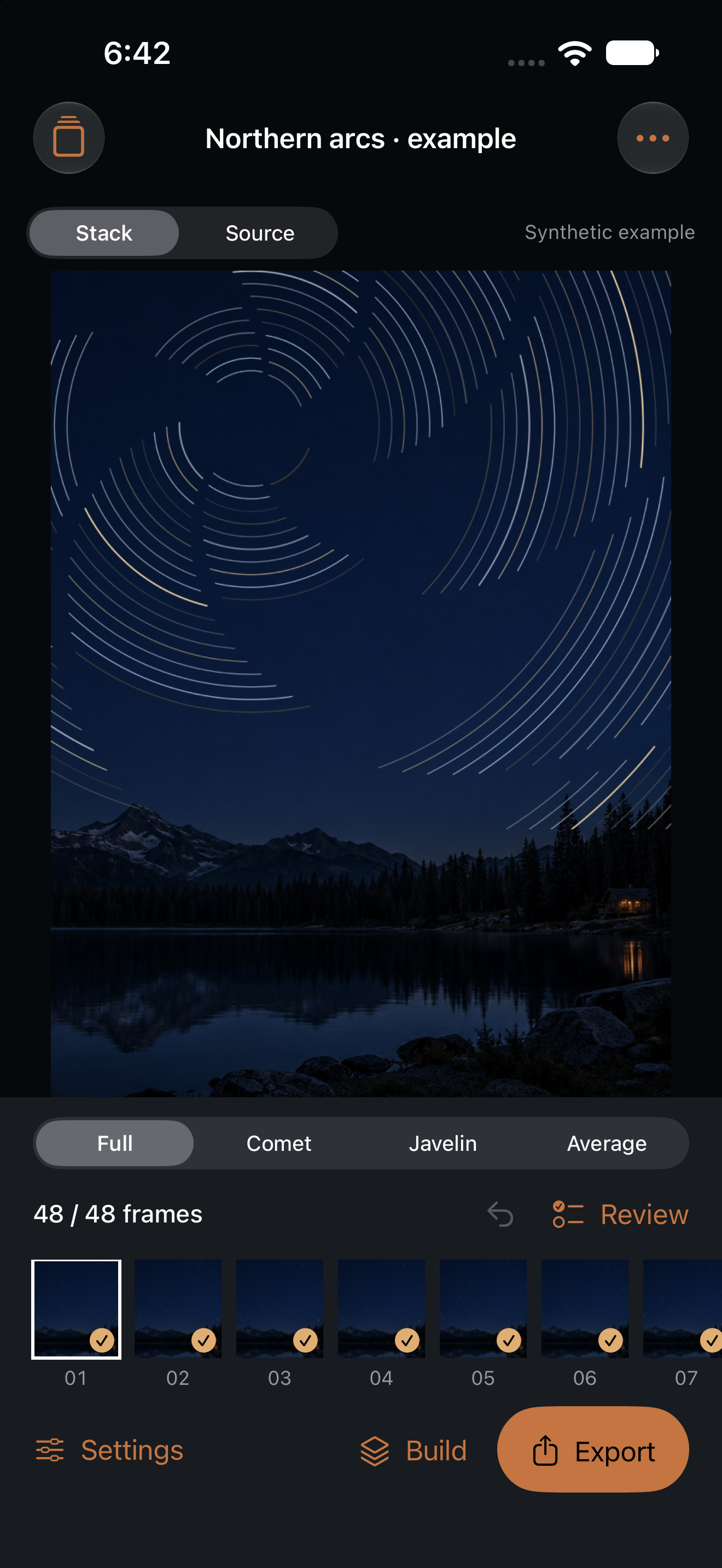
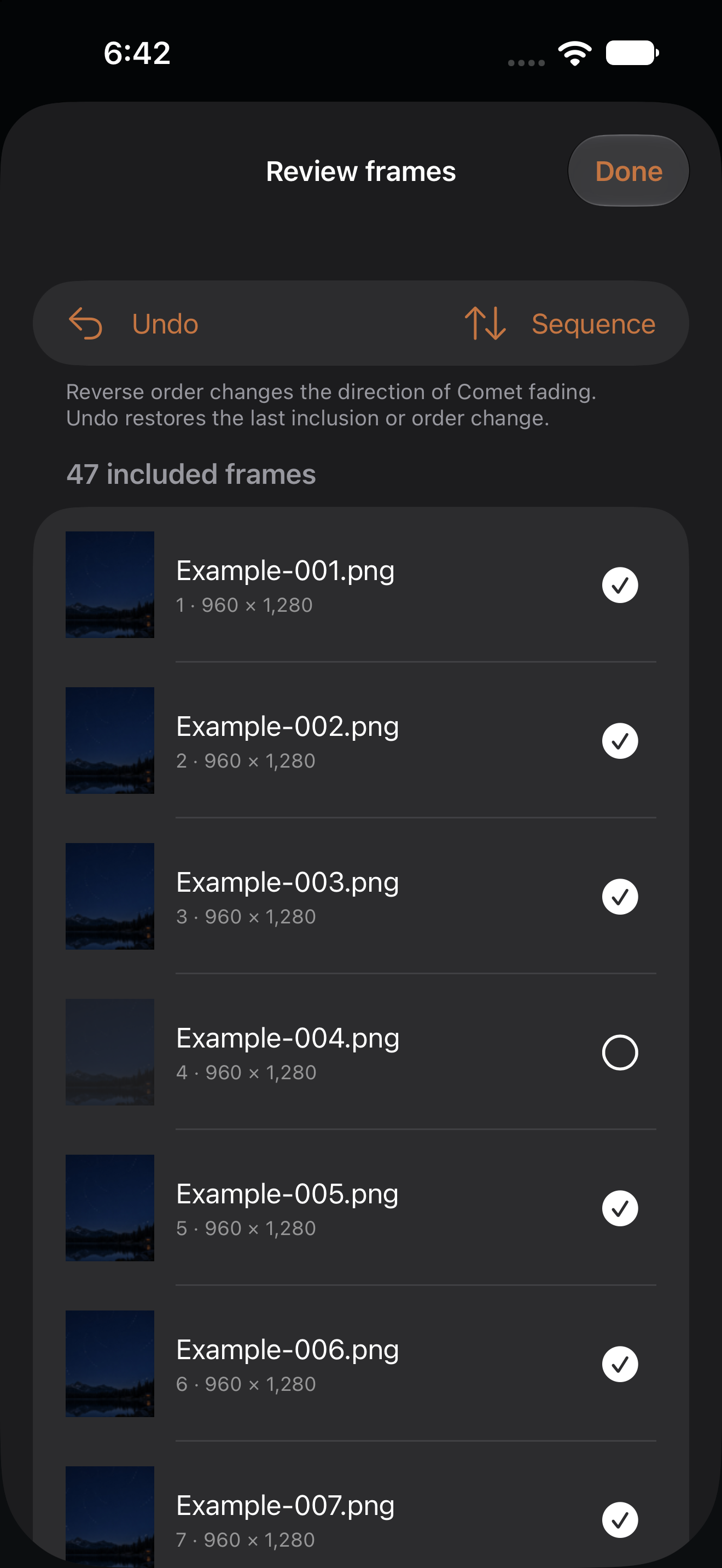
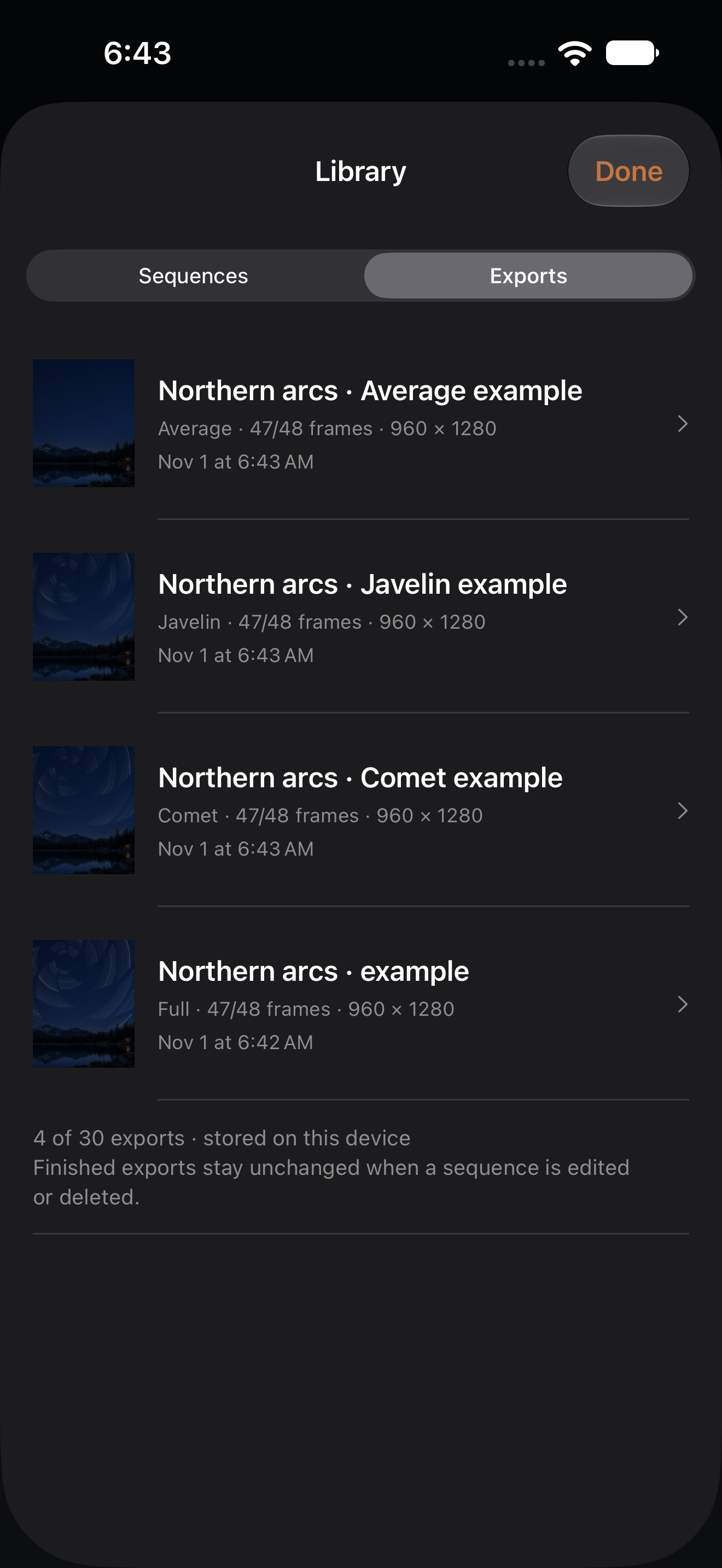
Keep the workflow honest
Use matching JPEG, PNG, HEIC or TIFF stills from a fixed tripod. The app combines decoded 8-bit sRGB values. It does not align the sky, develop RAW files, fill trail gaps, remove aircraft automatically, capture photos or make timelapse video.
The optional example is a synthetic demonstration: generated star paths over a landscape, rendered by the same compositor as imports. Export packages include the finished images, frame CSV, settings JSON, a processing PDF and readme. They do not contain original source images and are not editable-session backups.