Four corners.
Flat artwork.
Turn a photograph of a flat artwork into a rectangular image. Set the corners and known proportions, then create real PNG and JPEG files.
One purchase. No subscription. Apple shows your regional price.
Place the corners
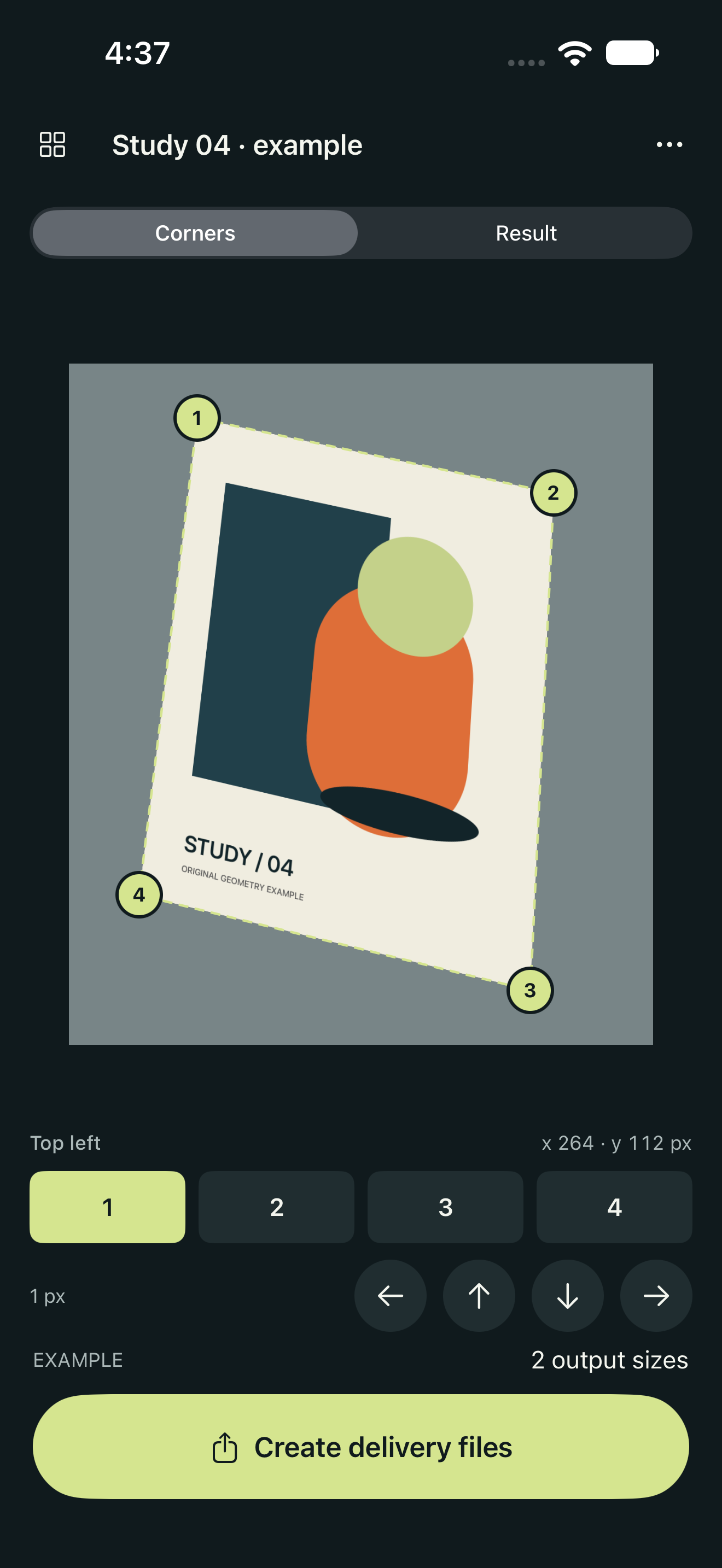
Import from Photos or Files. Drag numbered handles and use single-pixel nudges to refine the edges.
Check the result
Set the original width-to-height ratio. Inspect the corrected artwork in a full-screen viewer with pinch zoom.
Deliver useful sizes
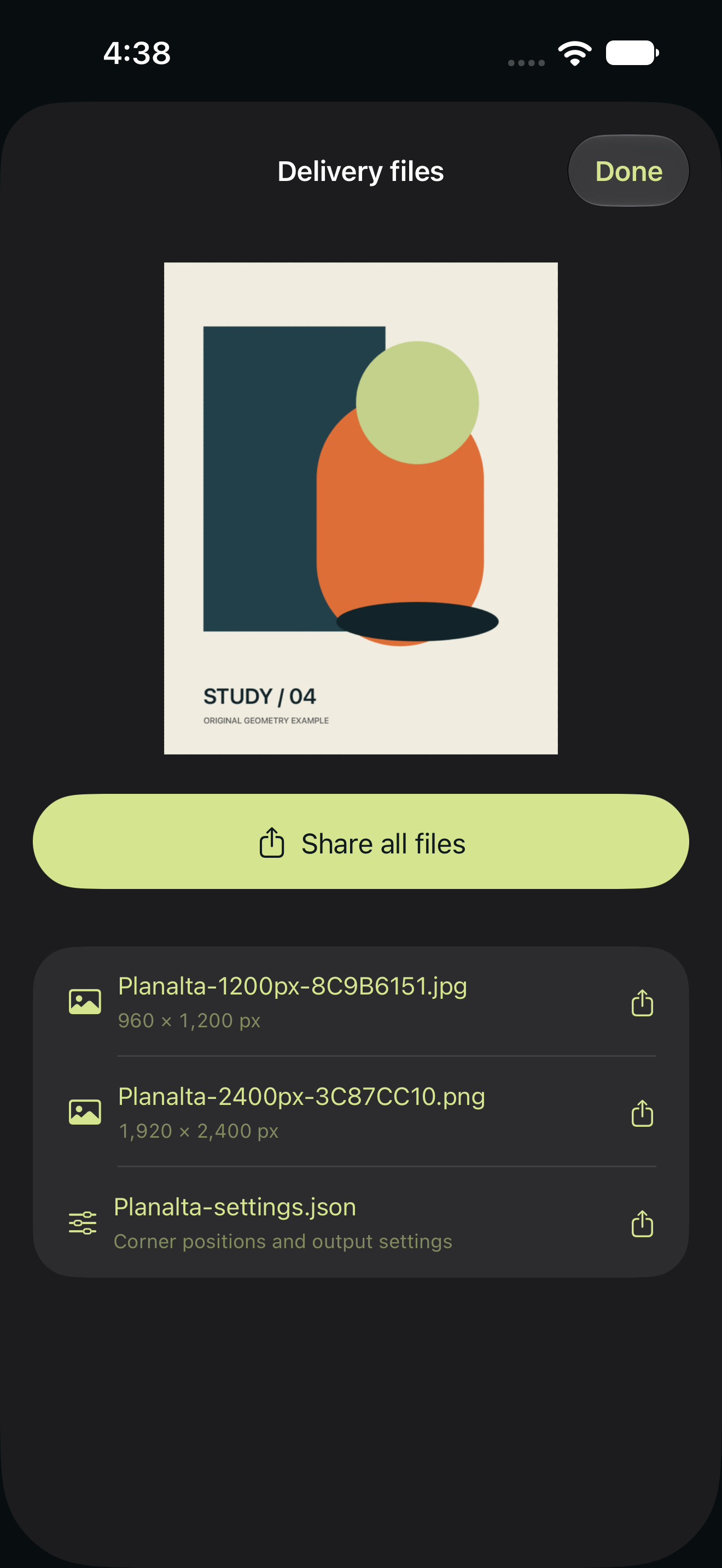
Choose up to five PNG or JPEG sizes. Create the images and a JSON settings record, then share through iOS.
Version 1.1 preview
The prepared update protects existing work when a save fails and keeps successive deliveries in separate folders. These are actual Release simulator screens of the explicitly opened original geometry example. Preview images do not establish review approval or public availability.
Known proportions matter.
A photograph alone cannot establish real dimensions. Enter the known original ratio. Planalta corrects projective perspective for flat subjects; it does not remove lens distortion, flatten curved pages, perform OCR or calibrate color.