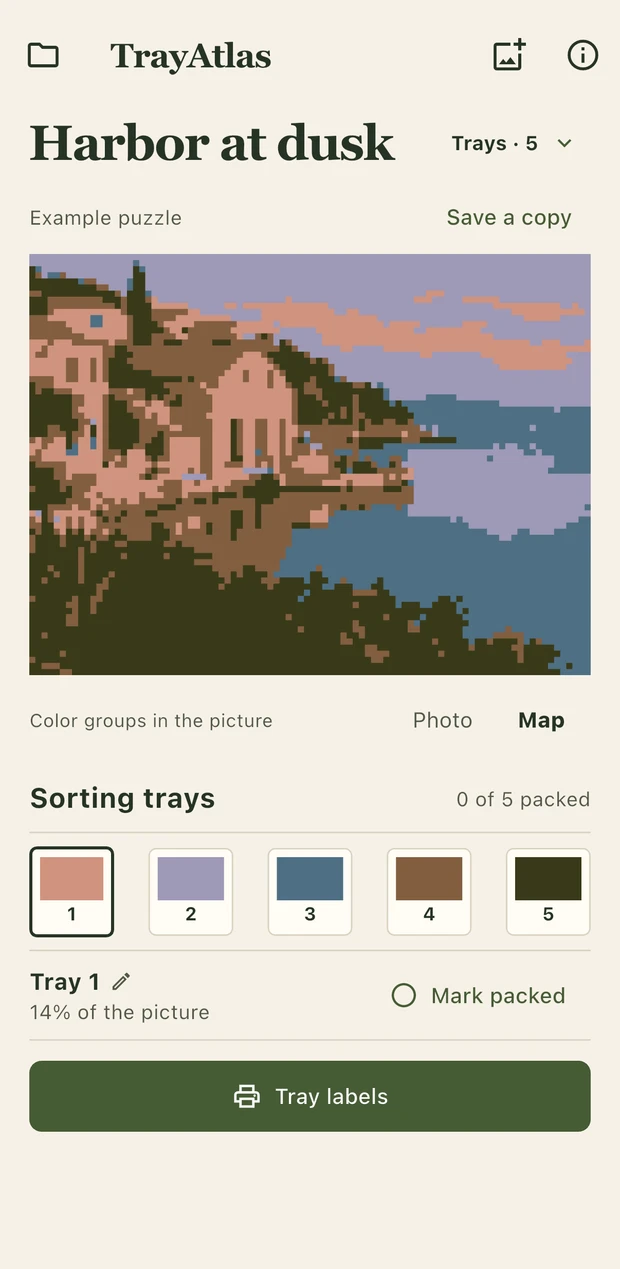
Sort the picture. Label the trays.
Choose a photo of your jigsaw reference. TrayAtlas picks color groups from the picture and shows where each group appears.
- Set how many sorting trays you have.
- Tap a tray to see its part of the picture.
- Print a PDF with swatches and maps for your trays.