Before the
first stitch.
Open your embroidery file. Follow the needle path, name your spools and print a placement sheet at actual size.
See the preparation workflowOne-time purchase · US $3.99 · no subscription
App Store release in preparation. Regional prices may vary.
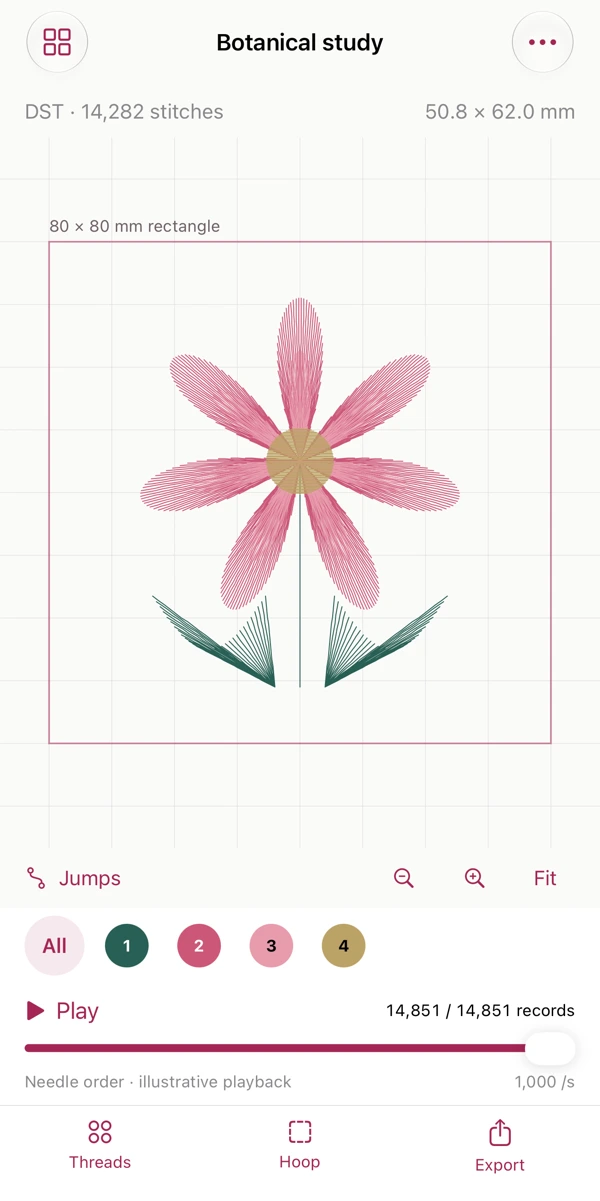
A stitch file becomes
a preparation packet.
Read the actual needle path
Import standard Tajima DST, Melco EXP or Janome JEF through Files. Zoom, pan, isolate a thread section or scrub the illustrative needle playback.
Prepare your real spools
Give each section a personal spool name, digital swatch and stop note. DST and EXP colors are suggestions; JEF indexed swatches are approximate.
Check a centered rectangle
Compare path bounds with your chosen rectangle. Export tiled A4 placement pages and measure the 10 mm calibration square before use.
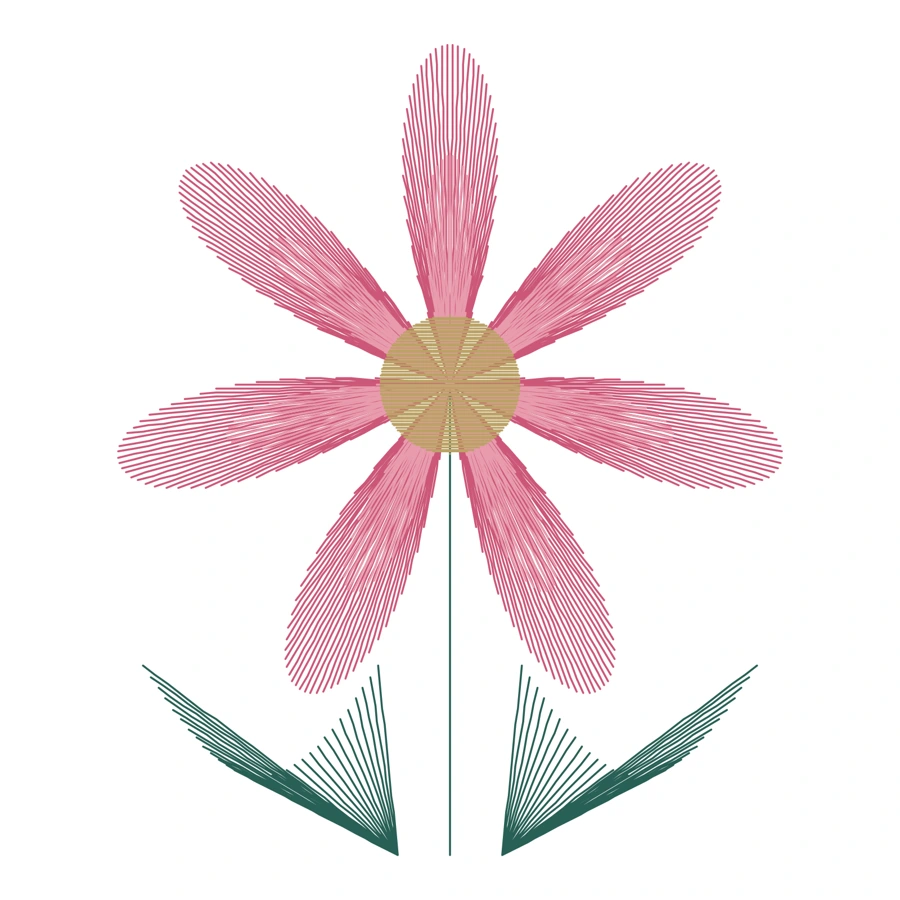
Original optional practice study. Not a machine-tested sewing design. Preview shows digital paths, not a photograph of sewn fabric.
Files you can use away from the screen.
Print at 100% / Actual Size. Large rectangles span adjoining A4 pages.
Your spool names, notes and section counts, plus recorded coordinates and commands.
Share a visual preview or vector stitch trace. SVG is not a machine file.
Original bytes, an editable Project.json, readme and one ZIP packet.
Know the scope before buying.
Twillume prepares files; it does not digitize artwork, edit stitch coordinates, convert or write embroidery machine files, connect to a machine, or verify stitch-out safety.
- Standard DST, EXP and JEF only. PES, PEC, JEF+, sequin modes and unknown commands are not supported.
- Sources up to 8 MiB and 200,000 records. Project JSON imports up to 12 MiB. Up to 40 local projects. Rectangle sides from 10 to 500 mm. Preparation packet exports support design spans up to 500 mm per side.
- A geometric rectangle check is not a guarantee of your machine’s usable sewing area. Confirm placement and suitability in your machine workflow.
- Digital swatches cannot guarantee physical thread colors. Playback is illustrative and does not estimate sewing time or thread usage. Jump records are not inferred trim commands.
- Projects are local. Export a backup before deleting the app or changing devices.
Support
Email maga40@naver.com. Include the app version, iPhone or iPad model, source extension and the error text. A small reproducible file is helpful if you are permitted to share it; do not send confidential artwork or passwords.
To begin, choose Import DST, EXP or JEF. Use Threads to name spools, Hoop to set a rectangle, then Export to open the PDF or share the packet. Reopen a saved project from the project library. Project.json imports preserve the source and editable preparation notes.
Privacy policy
Effective October 3, 2026. Gobling Company does not collect data through Twillume. The app has no account, advertising, analytics SDK or developer upload. Imported embroidery files, notes and projects are processed and stored on your device.
The iOS Files picker may access storage providers you choose, including iCloud or third-party services. Sharing or saving an export sends files only to your selected destination; that provider’s own policy applies. Gobling Company does not receive those files.
Delete local projects through the library. Removing the app removes its local data. Exports saved elsewhere remain at those destinations. If you contact support by email, we receive the information you voluntarily send and use it to answer your request. Privacy questions and deletion requests: maga40@naver.com.
Terms & acknowledgements
Twillume is a file preparation tool. You are responsible for rights to imported designs and for confirming machine compatibility, physical placement and appropriate stitch-out settings. Print at actual size and measure the calibration mark. Apple’s standard application license governs App Store purchases.
Twillume includes an original procedural botanical study for learning. Parser validation and the approximate JEF thread palette use the MIT-licensed pyembroidery project as a technical reference; notices are included in the app. Twillume is independent and is not affiliated with Tajima, Melco, Janome or StitchBuddy.