Support
Flockmere: Herding & Replay · iOS 1.0 / Build 2.
Guide the flock
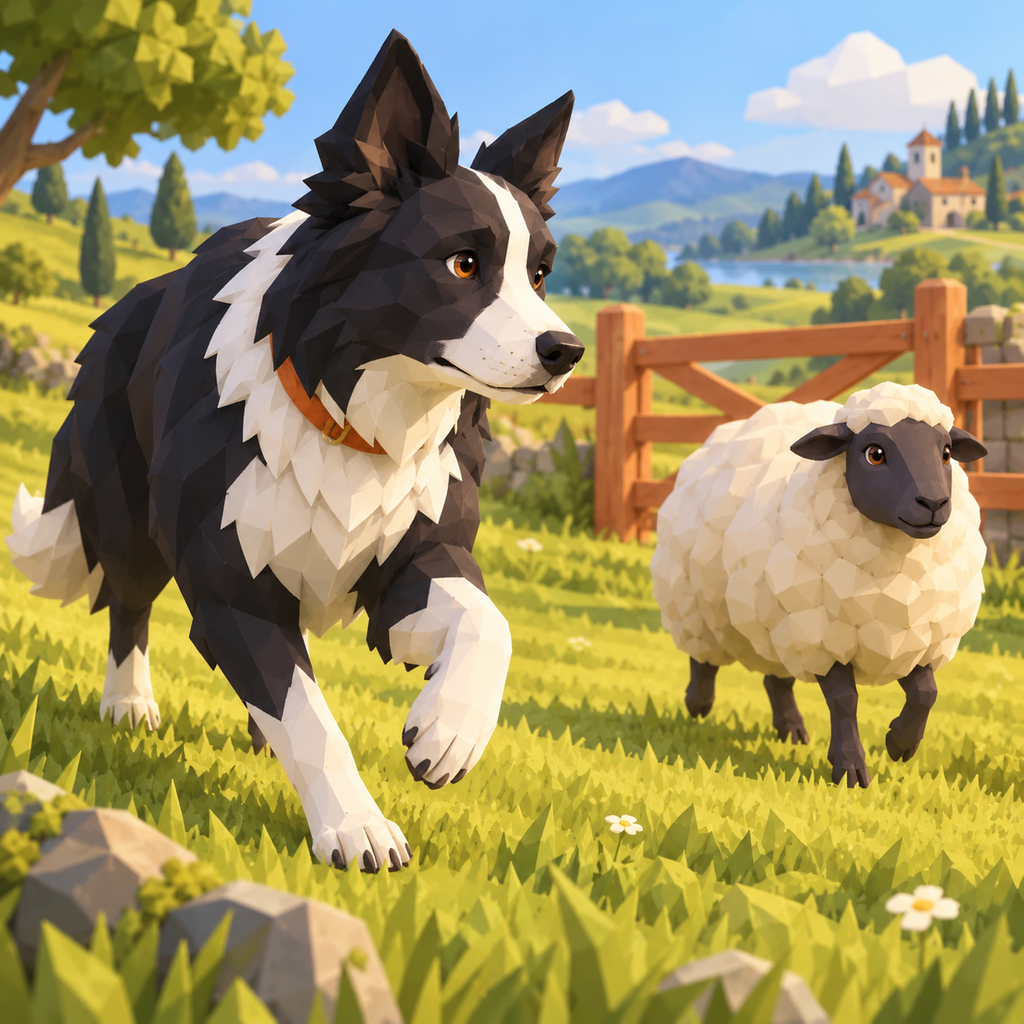
- Start a trail or open Pasture Workshop. Touch the ground to move the collie. Work behind the sheep to push them towards their matching pen.
- Hold the whistle to gather nearby sheep. Stamina drains while calling; release the whistle to let it recover. Amber sheep use amber pens.
- Finish by bringing every sheep home. A real finish creates a journal row and replay. Workshop and replay retries do not award campaign stars.
- Campaign has 108 trails in Apple Acre, Saltwind Downs, Copper Gulch, Oldwall Fold, Alpine Hollow and Lantern Fen. Clear five distinct trails in a region to open the next. Five additional collars unlock through actual trail progress.
- Gentle timing gives 40% more time for three stars and records campaign stars separately. Music, effects, haptics, quiet visuals and left-handed whistle controls are saved in Settings.
Replay an actual finish
- After a successful saved finish choose Replay this flock, or open Flock replays on Home. The archive keeps the latest eight completed recordings. Old journal rows do not contain replays.
- Select a white or amber sheep to see its route beside the dog route. Move the time slider, play or pause, or choose Go to arrival. Large text uses the Choose sheep sheet and arrival toolbar action instead of a narrow roster.
- Replay details shows selected arrival, whistle and stamina information. The recording uses captured game positions with interpolation between samples; long drives retain fewer samples over the full span.
- Export replay offers complete sampled positions JSON, Sheep arrivals CSV and pasture geometry JSON. Use Save to Files or another native destination. The 12-column CSV records pasture, mode, pace, sheep, fleece, pen, arrival, finish, whistle and sample count. These are game measurements.
- Retry pasture starts the same geometry in Workshop using your current Gentle setting. Removing a replay keeps its journal row, earned stars and saved pasture.
Make or import a pasture
Pasture Workshop → Make a pasture starts an unsaved field. Name it, choose a landscape and place 1–12 sheep, one matching pen per fleece and up to 48 objects. Select / move lets you choose an object and touch its new location. Undo and redo retain the last 20 geometry changes. Name and landscape changes are not geometry undo operations. Scroll the editing controls to reach Save pasture, Herd here, Share image or Share pasture JSON. The library holds 20 saved fields.
Import pasture JSON opens the system Files picker. A compatible UTF-8 file is at most 64 KiB and uses format flockmere-pasture, version 1, and a pasture object with id, windPhase, region, name, props, starts, groups and pens. The app validates schema, finite ranges, fleece/pen matching and reachable paths before showing a preview. Open in editor permits inspection before saving. Cancelling either picker or preview preserves existing data. New local identity retains the coastal wind phase. Files never import stars, journal rows or recordings.
Share pasture JSON includes current geometry, even unsaved changes. Share image renders that geometry. Replay JSON is an analysis export, not an import or earned-progress backup.
Local records and storage
The field journal keeps 60 completed drives. Settings → Erase journal removes both journal and replay recordings; earned stars, settings and saved pastures remain. Removing the app removes app-local data. There is no cloud sync.
Unreadable original data is preserved and writes are blocked. Retry storage tries to load it again. A failed write rolls back the uncommitted change and displays an error; Retry save retries the actual finish. Settings → Licences includes Rubik and dependency notices.
Email maga40@naver.com with device, OS and reproduction steps. Do not send passwords or authentication codes.