Print editions · iPhone and iPad
A print of
your own.
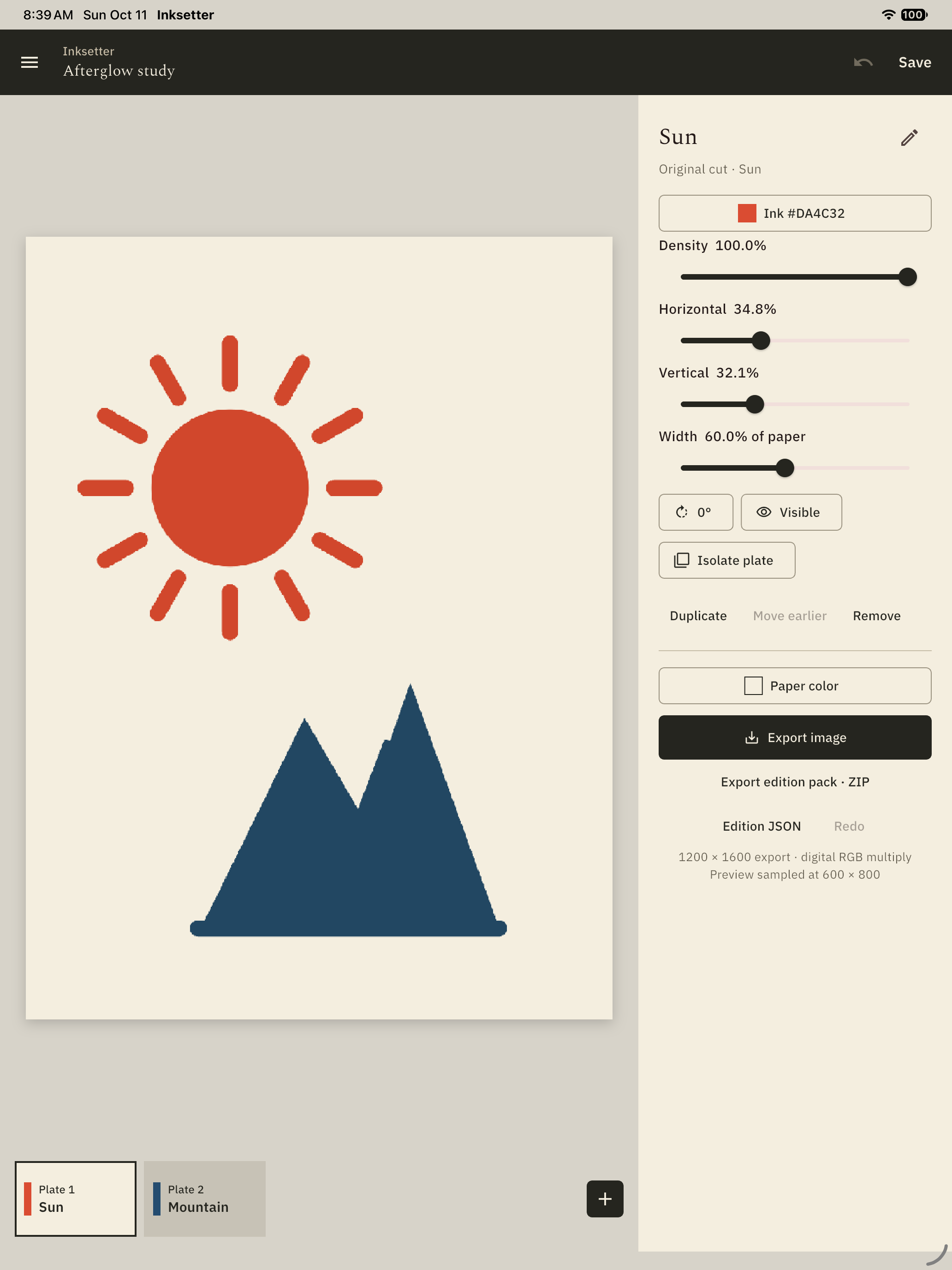
Place a cut. Set its ink. Build an edition one plate at a time, then keep the artwork and its editable parts.
20 original cuts or your own static PNG. Up to six editable plates, a separate two-ink color study, native image and separation export, a local edition shelf and 100 print commissions.
One upfront purchase. No ads or subscriptions.
One ink at a time.
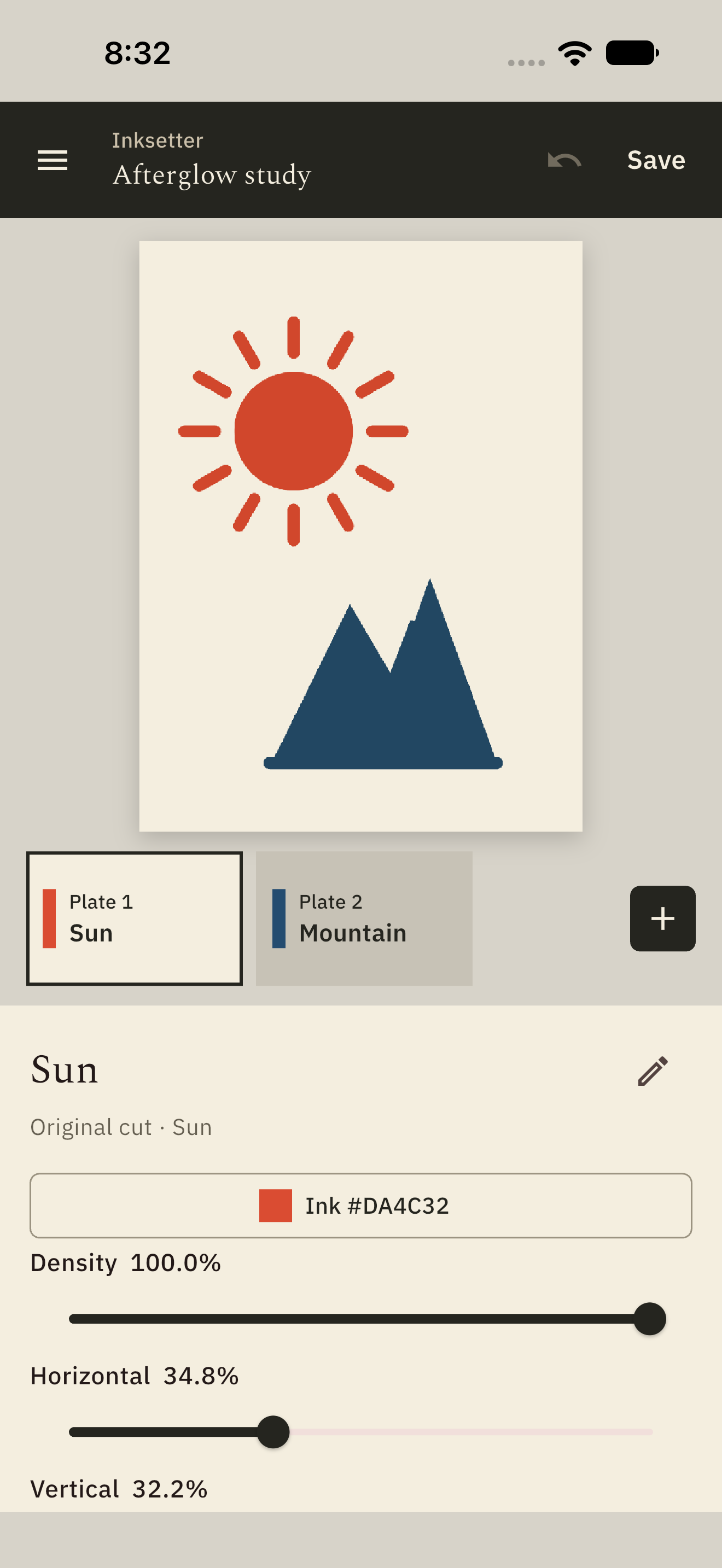
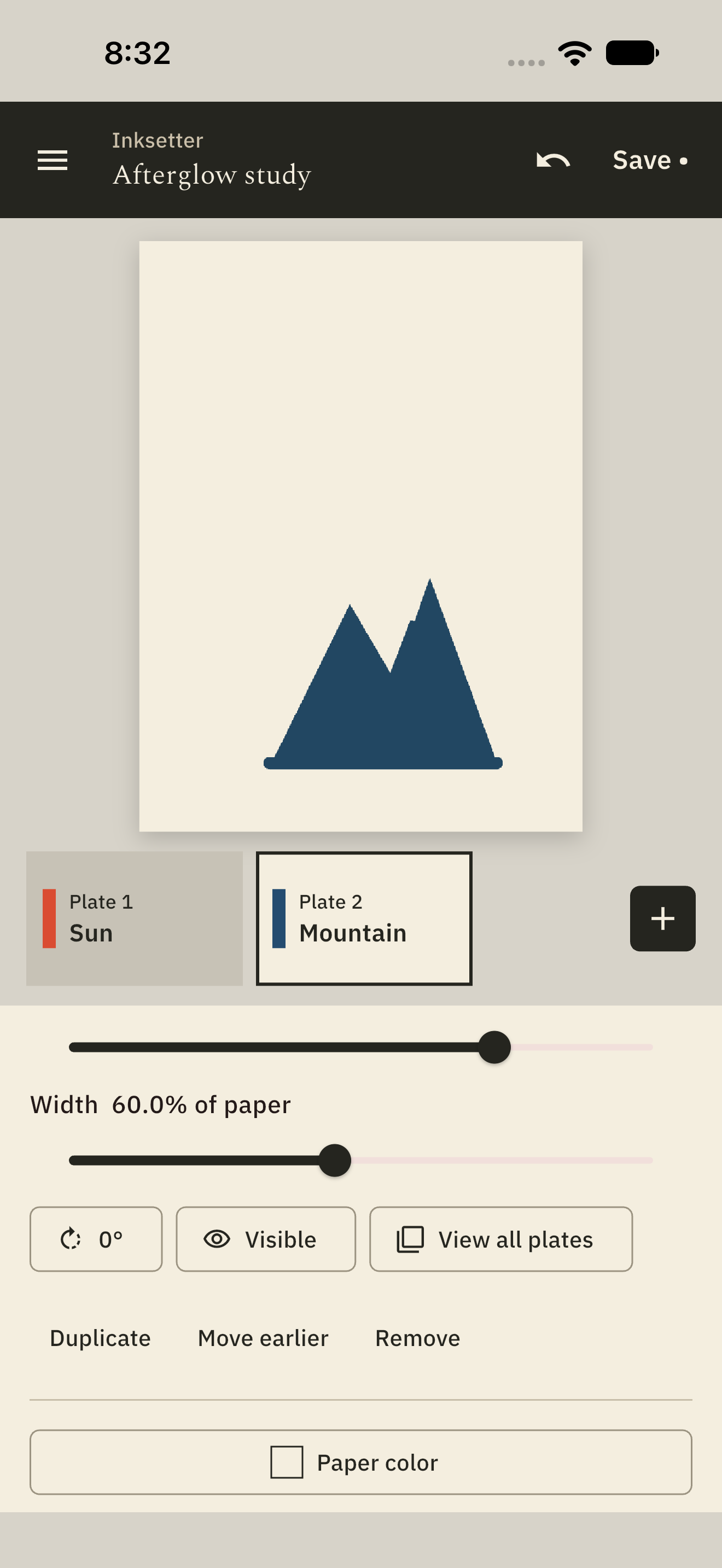
Set RGB ink and density, drag the plate on the paper, adjust its width and rotate by a quarter-turn. Select from the plate rail to isolate, hide, duplicate, reorder or remove a plate. Session undo retains up to 40 edits.
Isolation changes only the preview. Hidden plates stay in the document and produce blank separations. Save explicitly to keep the edition after closing the app.
One source.
Two inks.
Open Separate color artwork from the Studio menu. Choose your color PNG, then set the paper and two RGB inks. Compare the source on paper with its overprint or inspect either grayscale ink mask.
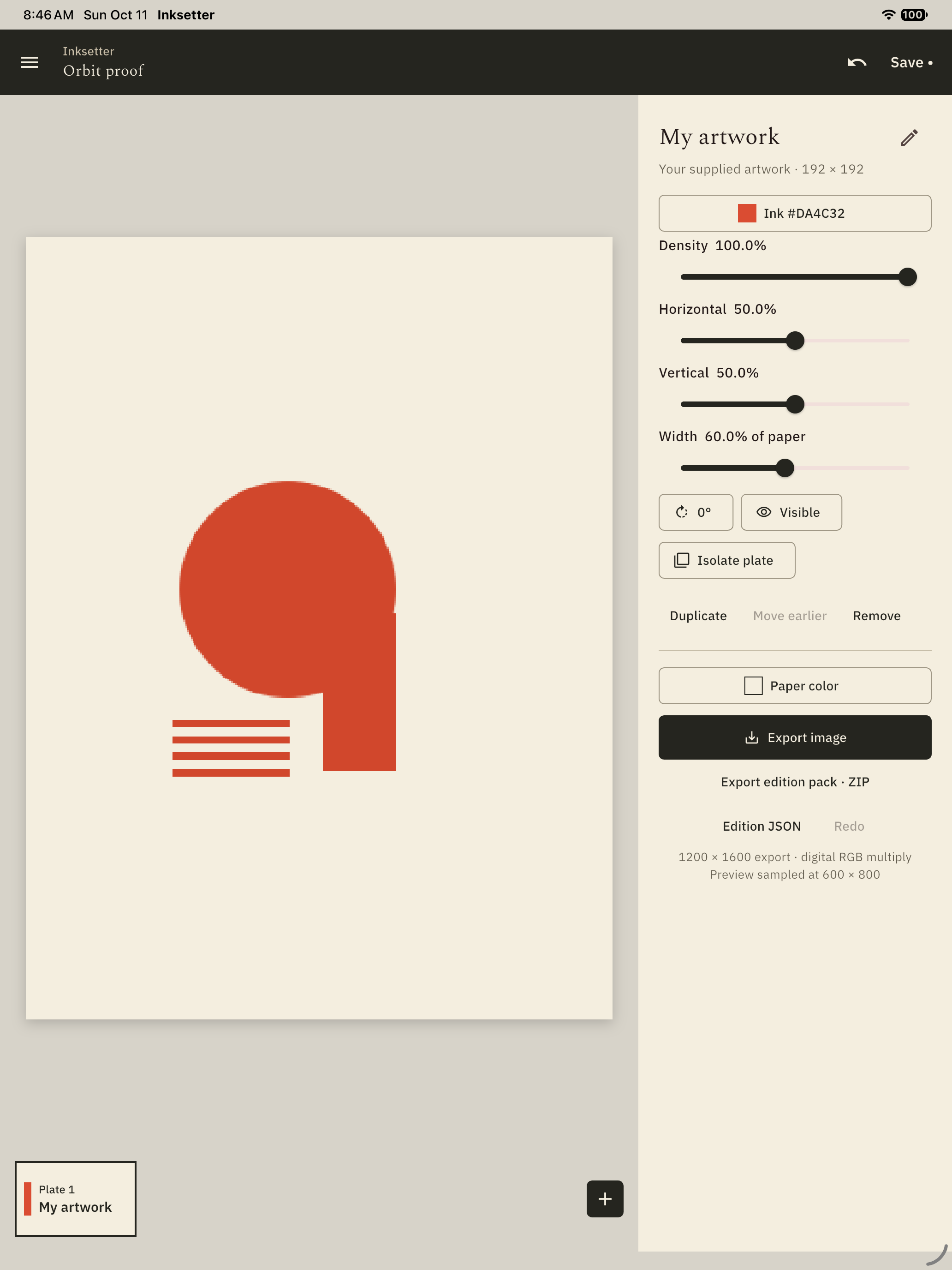
Studies use at most 256 pixels per side and stay in the current session. Export a study ZIP to keep the normalized source, both masks, overprint and settings. The ZIP is not an importable edition or session. Keep your original PNG and choose it again to make another study.
Digital RGB multiply and nearest sampling. This is not calibrated RISO color, physical printer control, a print-ready size, or a guarantee of bleed or DPI.
A shelf for your editions.
Keep up to 24 editions in a 16 MB local shelf. Export and reimport a compatible edition JSON through Files. Invalid files preserve the current draft. There is no cloud sync; keep external copies you need.
Open Studio menu → 100 print commissions for the original five collections of matching puzzles. Personal and imported work stays separate from earned game progress.