 RINGWOOD
Gobling CompanyCROKINOLE / OFFLINE
Support
Email Gobling Company at maga40@naver.com. Include the version, device, study or match round and steps you used. Attach only information you choose to share.
Shot controls
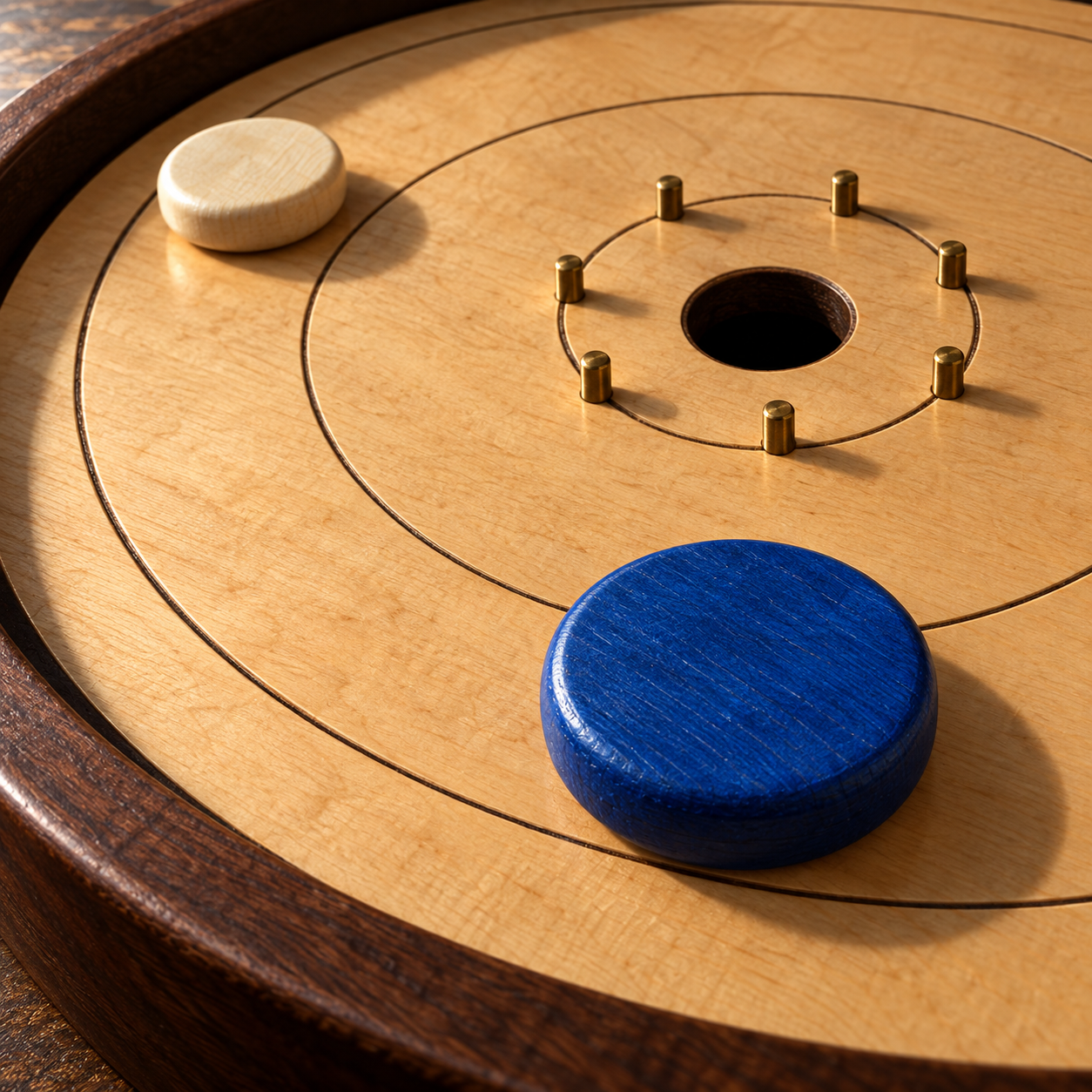
Set starting position, aim and power, then Shoot, or drag back on the board and release. Blue discs have one dot; ivory discs have two. The center hole scores 20. Inner, middle and outer rings score 15, 10 and 5. A disc touching a dividing line counts in the lower ring; a disc touching the outer boundary is out.
Valid contact
When opposing discs remain, one of your moving discs must contact an opponent. Contact can propagate through your own moving discs. On an open board, a moving disc must reach the inner ring. An invalid shot removes the involved discs of your color. Ringwood resolves these rules through its own digital collision simulation.
Recorded shot replay
Replay last shot is available after motion settles. Drag its time control or select Release, Contact when present, and Settled. Colored paths join measured recorded positions; they are not predictions. Event labels explain actual contacts, sinks, outs and invalid removals. Return to live table keeps the original score, disc count, hints and live board. Only the last settled shot is kept.
Studies and matches
108 studies have target scores, shot limits and allowed starting positions. Five different study clears open the next table. A suggested shot gives a practice medal. A match uses four rounds of eight discs per player; round wins earn two points and ties one each. Use the Table menu to resume a saved match. Cold launch opens a study; your settled match is retained for Resume match.
Local saving and exports
Settings, best medals, recent scorecards, the last settled match and its recorded shot are stored locally. A lifecycle save during motion retains the previous settled state. Damaged optional replay or sibling entries are isolated where possible; unreadable data cannot be reconstructed. CSV sharing exports the actual scorecard rows and is not an importable save backup. On iPad it opens from the tapped Share scorecards control. There is no account, cloud sync or online gallery. Keep the app installed to preserve local progress.
Display and audio
Phone replay scrolls through the board, time control and shot facts; tablet replay places the board beside those facts. Larger body text remains scrollable. Music, sound, haptics and the aim guide can be changed in Settings. Font and software notices are available in Settings → Licenses.