Separate the channels in your WAV.
Check each recorded channel, name the tracks, then share individual mono WAV files from your iPhone or iPad.
One purchase. No subscription. Your regional price is shown by Apple.
Open a take
Import a stereo or multichannel WAV with 2–8 channels. IsoLane copies it into the local library and leaves the original unchanged.
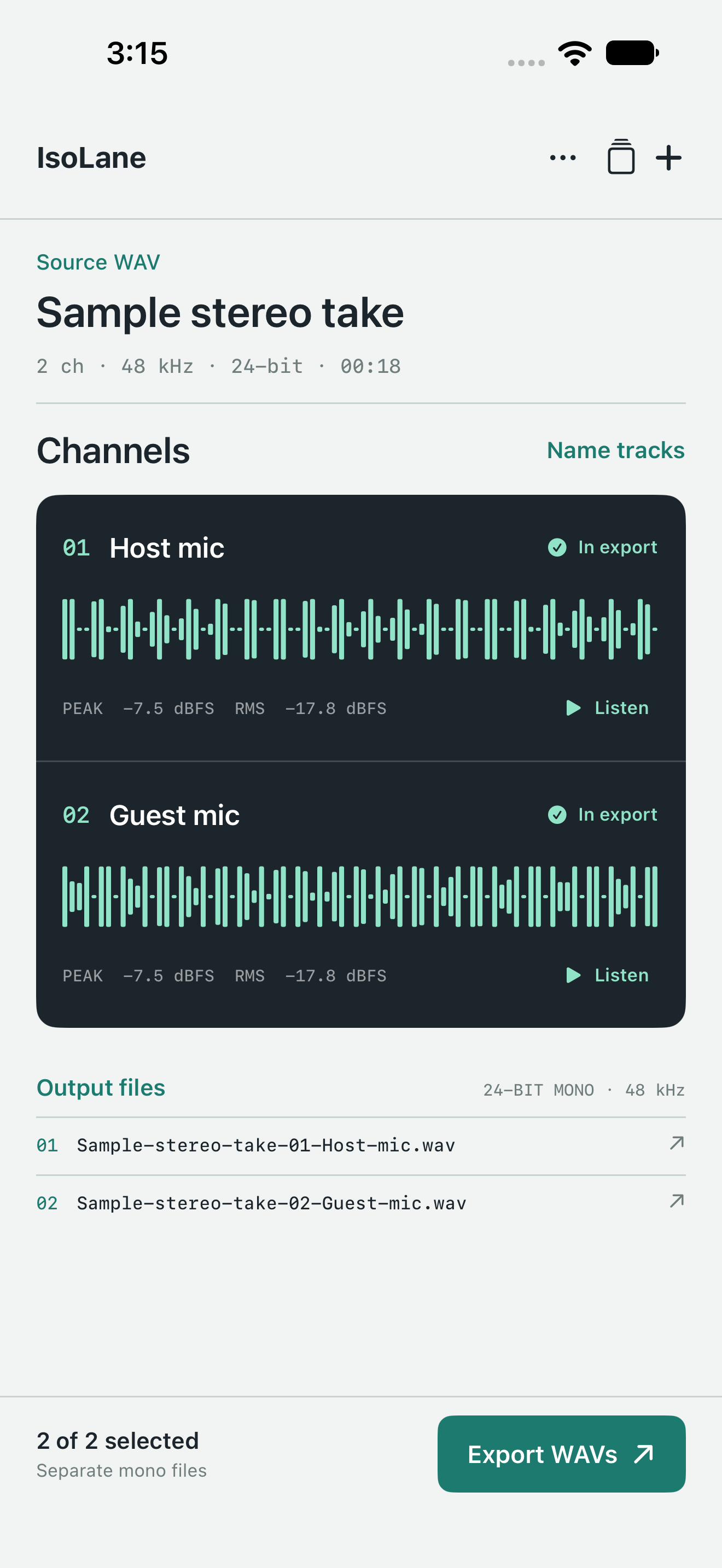
Check each lane
Inspect measured waveforms, peak and RMS levels. Hear a short preview and choose which channels to include.
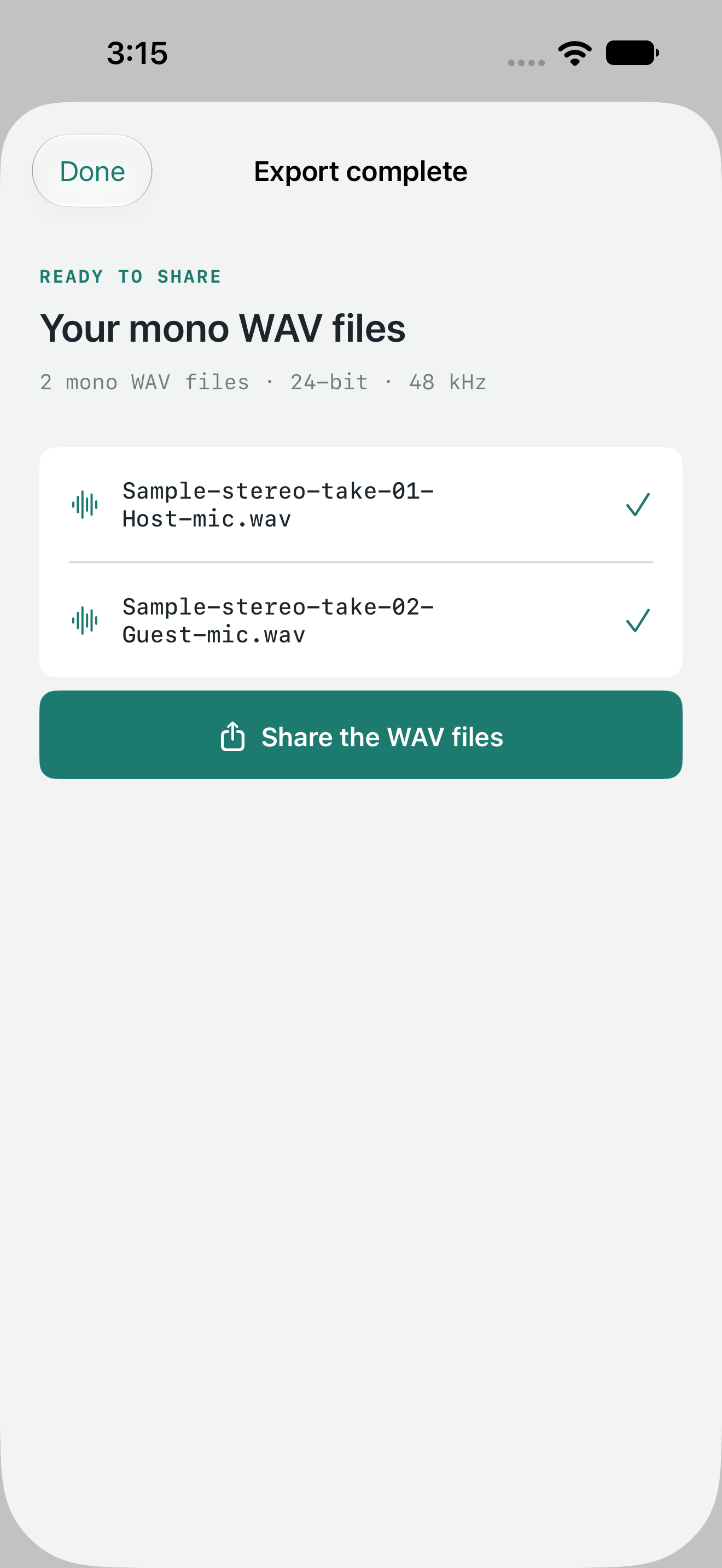
Deliver mono files
Give tracks useful names. Export 24-bit mono WAVs at the source sample rate, then share them or save to Files.
Version 1.1 preview
The prepared update improves save safety, preview switching and export reliability. These actual Release simulator screens show an explicitly added synthetic sample, not customer audio. These preview images do not establish App Store approval or availability.
Channel splitting, with clear limits.
IsoLane extracts channels already present in a WAV. It does not separate voices or instruments mixed into the same channel, remove noise, record microphones or edit a timeline.