
ANDROID EDITION · PAID ONCE
Give a long PDF
a clear outline.
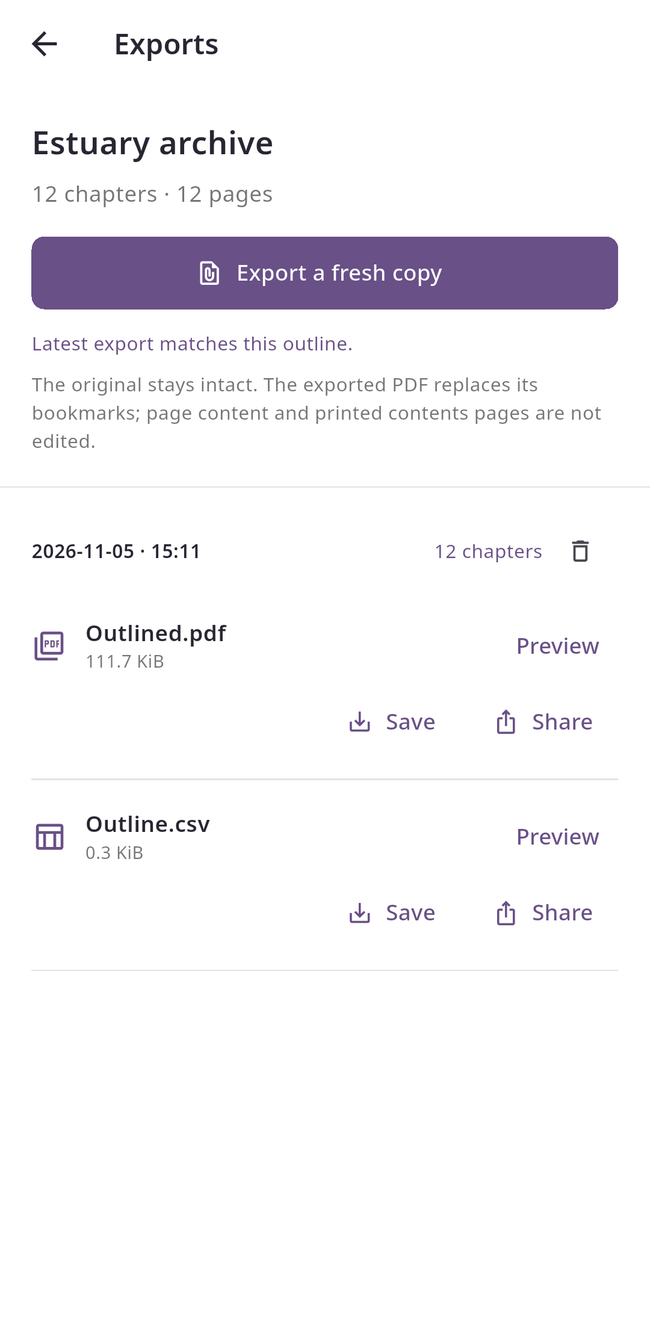
Read existing bookmarks, arrange chapters and nested sections, then save a separate PDF with an embedded outline and a CSV index.
Android edition · Google Play availability pending. One paid download, with no ads or subscriptions.
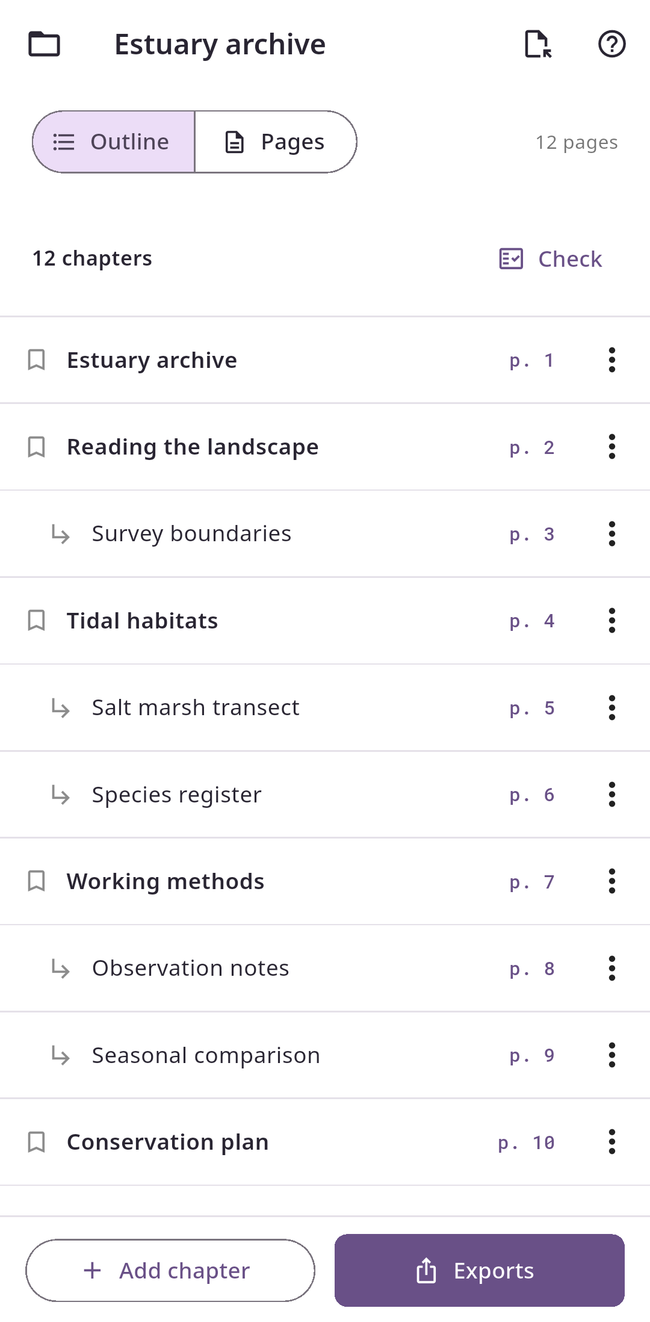
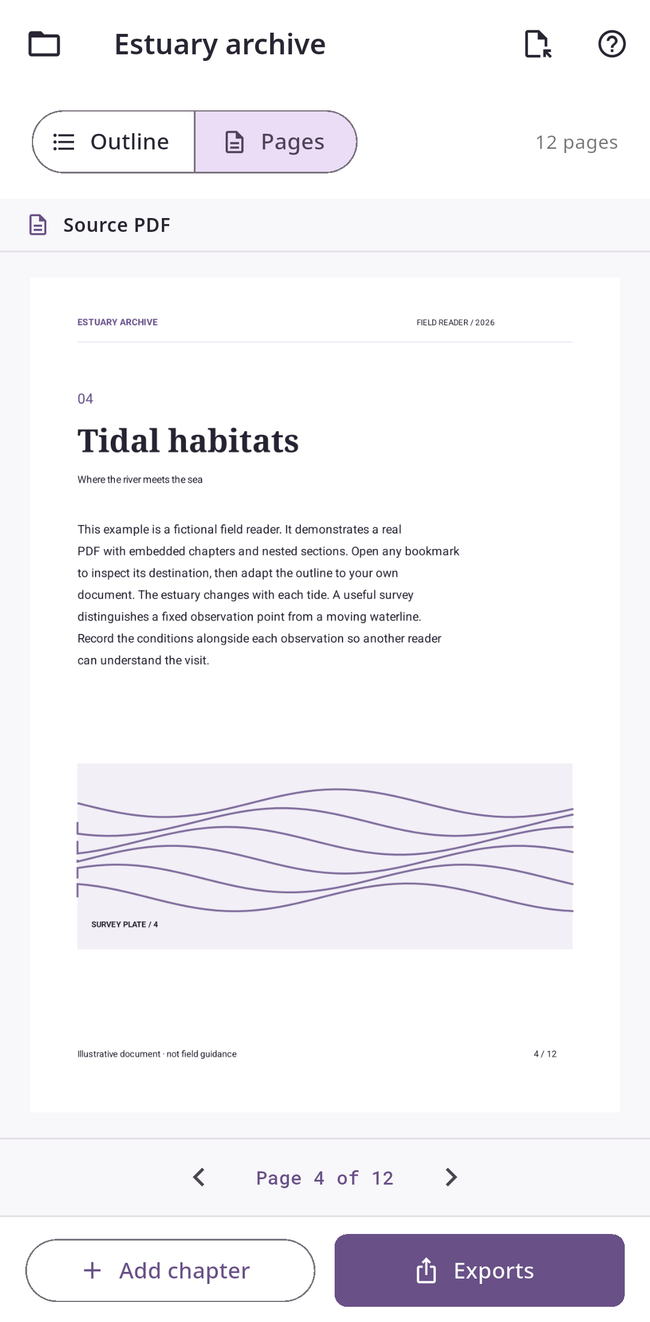
Shape the document’s navigation
Add or rename chapters, set physical page targets, move whole branches up or down, nest sections and move them out again. A tablet workspace keeps the outline beside the actual PDF. Phone screens switch between Outline and Pages.
Check, export, reopen
Check missing titles, hierarchy and page targets before exporting. Repeated titles and backward page jumps are warnings you can review. Each generated PDF is reopened to check bookmark titles, nesting and targets. Preview, save with Android’s destination picker, or share the PDF and UTF-8 CSV independently.
Keep your pages intact
The source PDF is copied into private storage and stays unchanged. Export replaces the bookmark tree in a new PDF; it does not edit page content, printed contents pages or page labels. Use readable, unsigned, unencrypted PDFs. No account, analytics, app network permission, AI processing or cloud sync. The optional Estuary archive example is a fictional, real twelve-page PDF.