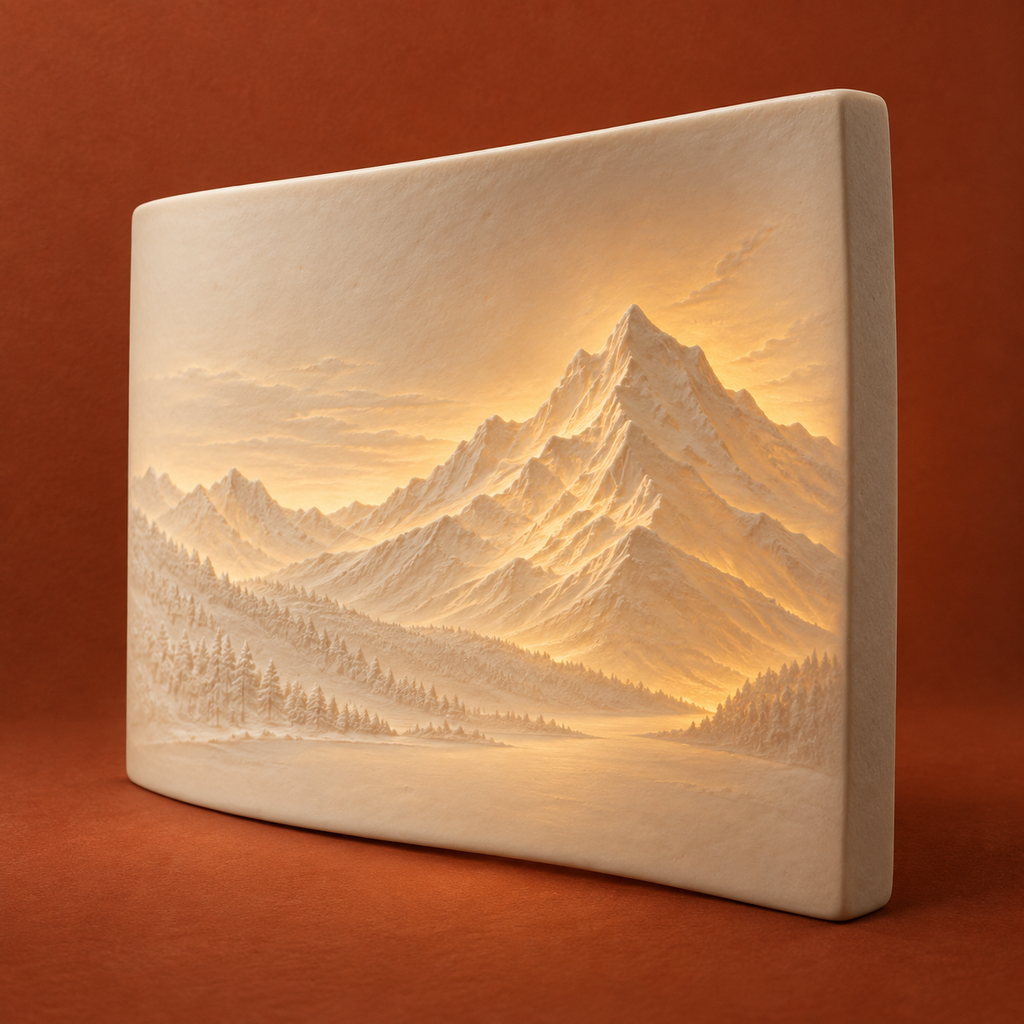
Your photo,
in relief.
Make a flat or curved lithophane STL. Adjust the tones, inspect its thickness and keep the complete print files.
US$4.99 once. No subscription, ads or in-app purchases. Regional prices vary.
Preview of the upcoming 1.0.1 update. The App Store shows the currently released version.
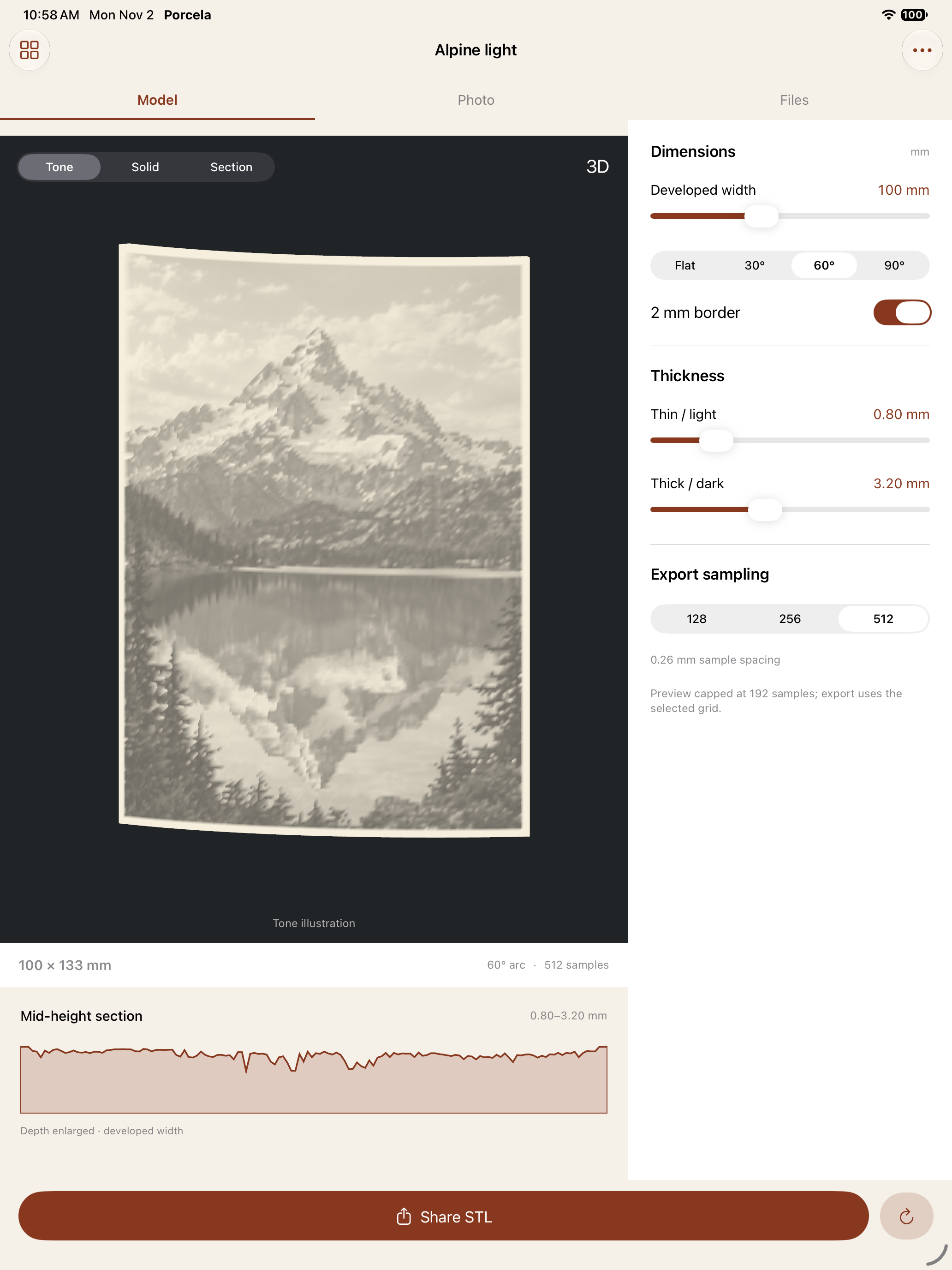
Choose a photo
Import a single still image from Files or Photos. Processing happens on your device.
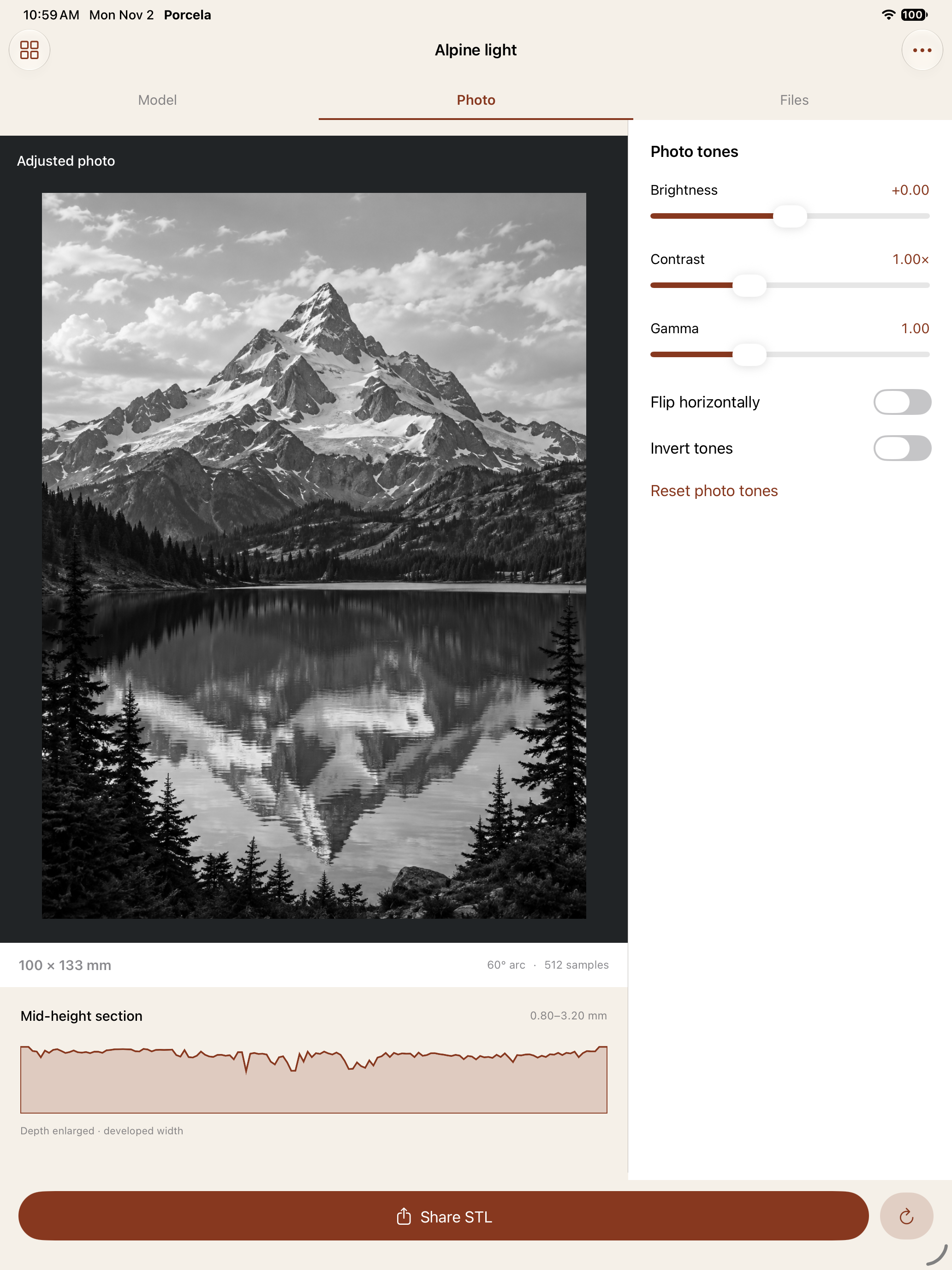
Shape the relief
Choose flat or curved geometry and adjust the brightness, contrast, gamma and thickness range.
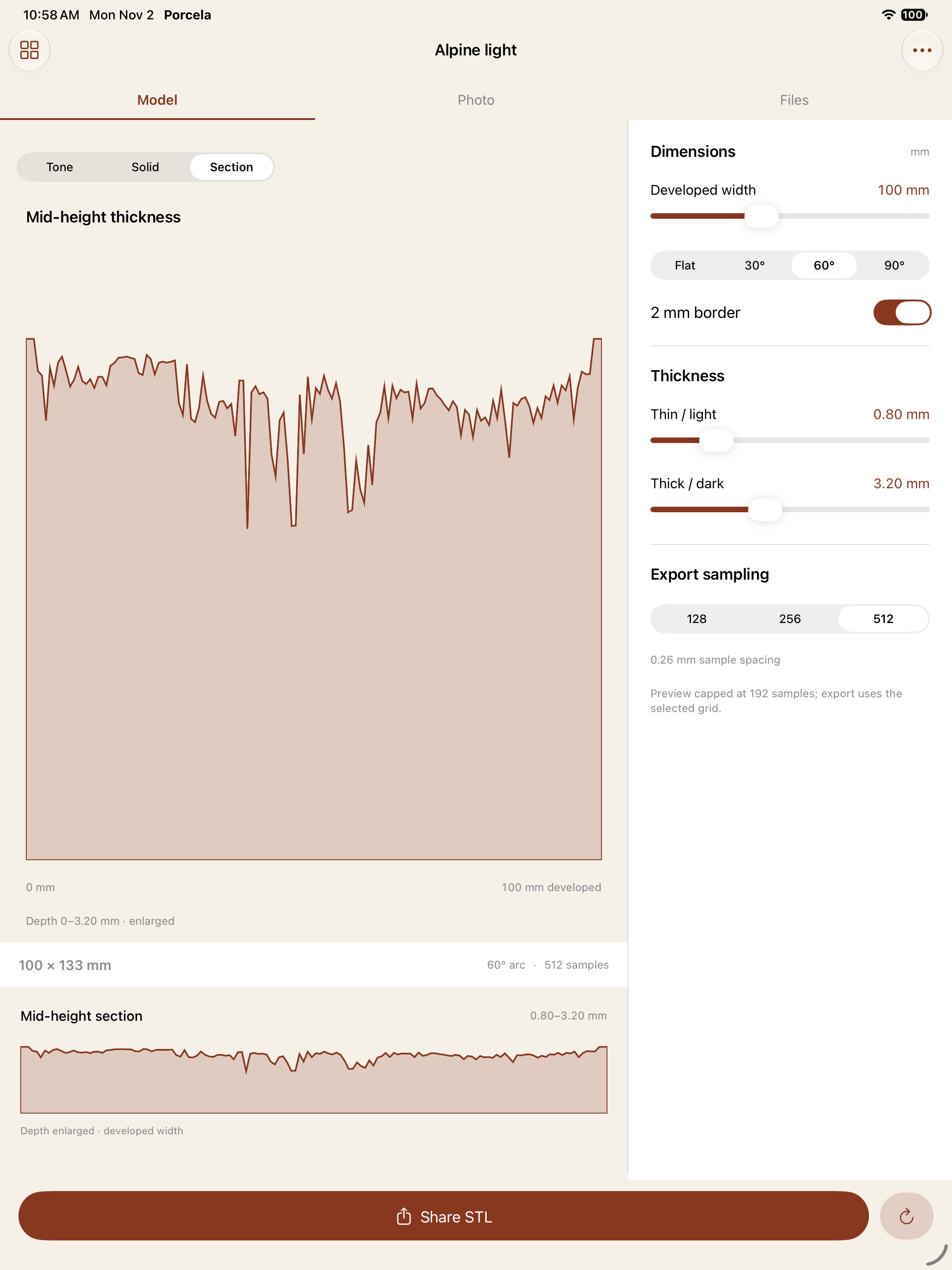
Build real files
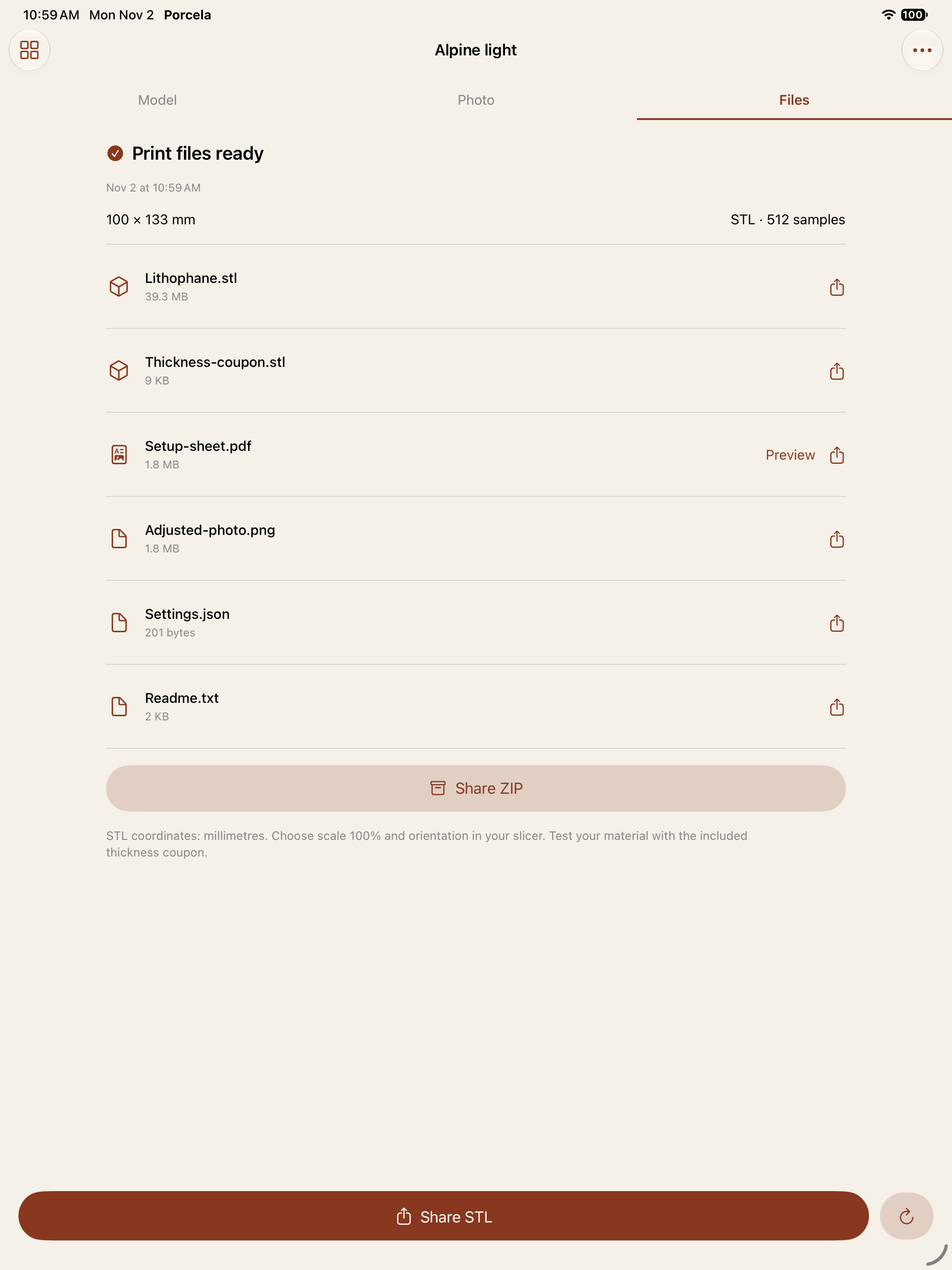
Export the STL, a connected thickness coupon, a two-page setup PDF, adjusted photo, settings and notes.
A complete handoff to your slicer.
The ZIP contains six real files. A connected 21-step coupon lets you test your own material and lighting. The PDF records geometry and dimensions; it does not promise physical print results.
Keep saved work protected.
In version 1.0.1, failed saves keep prior photos and print files. An unreadable project library pauses changes and offers retry. Unfinished deletion cleanup resumes on reopening.
STL is unitless. Import as millimetres at 100% scale and verify orientation and dimensions in your slicer. Porcela does not slice, generate G-code or connect to a printer. Tone view is a digital illustration.
Support
For photo import, STL setup, saved-project recovery and file cleanup, read the support guide. Contact maga40@naver.com with the app version and the action that failed.
Privacy
Photos and projects stay locally unless you choose to share. Porcela has no account, ads, analytics, tracking or developer-server upload. Read the full privacy policy for sharing, deletion and system services.