Support
Photo to STL
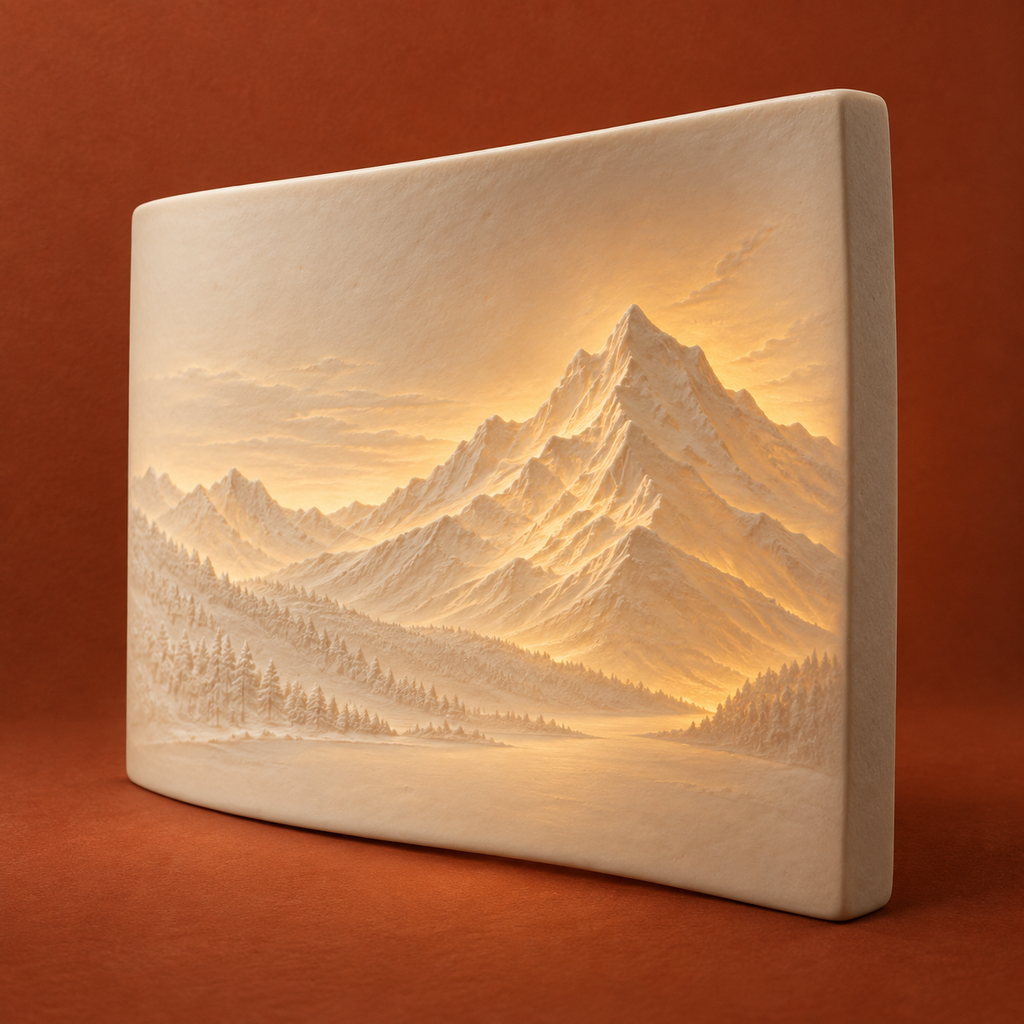
Use Add photo to choose a single image from Files or Photos, or explicitly use the original Alpine example. Choose flat or a 30°, 60° or 90° arc. Set width and thickness, adjust tones, then Build STL. The Files page previews the actual setup PDF and shares individual files or the complete ZIP.
Print preparation
STL has no unit tag. Import as millimetres at 100% scale, check dimensions and rotate the model in your slicer. Curved width is developed arc length rather than the shorter chord. Test your material and lighting with the included 105 × 20 mm, 21-step coupon. No slicing, G-code, printer connection or physical print guarantee is included.
Projects unavailable
Do not uninstall the app to fix a storage problem: that deletes local work. Free device storage if needed and use Try again. Changes pause while the saved index cannot be read, preserving its bytes and photos. Retry does not reconstruct already damaged data. Contact support if the problem remains.
Missing files and interrupted cleanup
Rebuild a missing or incomplete print package from the saved photo and settings. Failed photo replacement or rebuild keeps the previous saved work. When file removal cannot finish, reopen or use Retry cleanup. Keep external originals and important exports separately; settings JSON is a parameter record, not an importable backup.
Contact
Email maga40@naver.com with the app and iOS versions and the action that failed. Share private photos only if you choose. Support cannot retrieve device files remotely.