
Your images.
A physical flip.
Arrange your pictures, test the pitch of your own lens on paper, and prepare interlaced images and actual-size print PDFs. An offline workbench for small lenticular flip prints.
US$3.99 once. No subscription, ads or in-app purchases. Regional prices vary.
A physical lenticular lens and suitable printer are separately required. Screens preview version 1.1; check the App Store for the currently released version before purchasing.
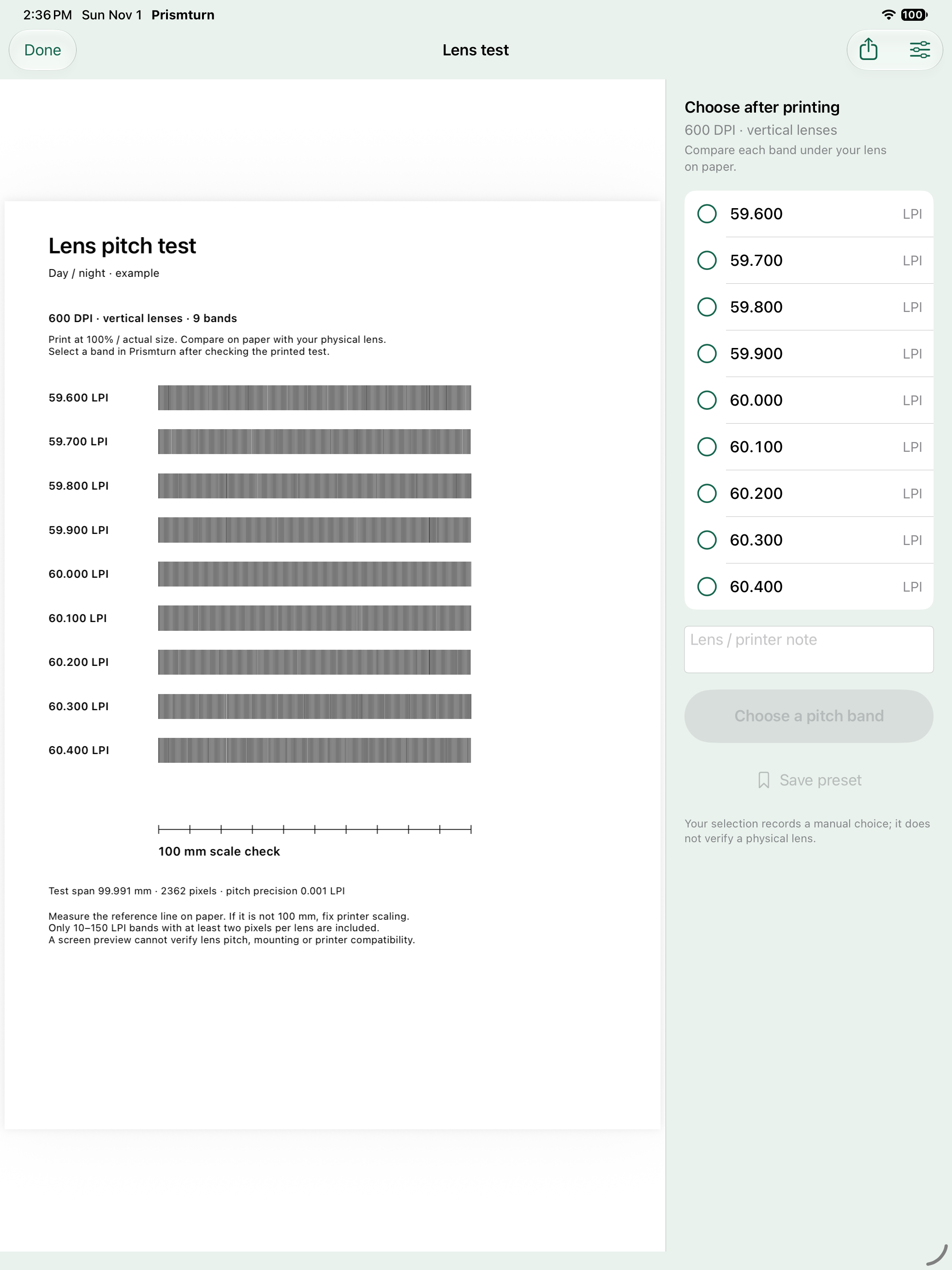
Test the lens before adding photos.
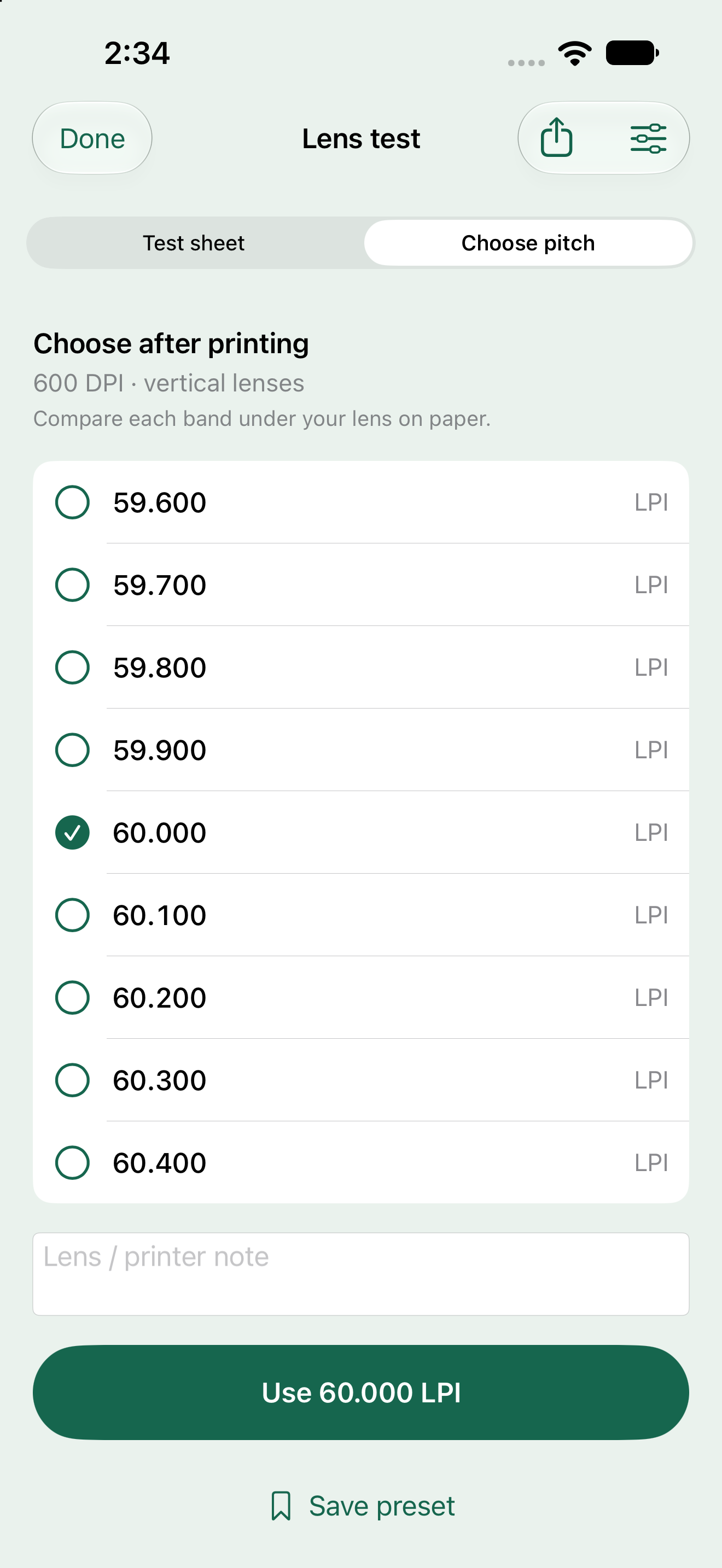
Version 1.1 adds a separate Lens test. Set base pitch, step, DPI, direction and paper; share a real test PDF and band CSV. Both lens directions use a roughly 100 mm raster span and a separate exact 100 mm ruler. Print at actual size, compare the bands under your lens, then choose a pitch yourself. Keep three-decimal values, a note and named print presets.
From ordered pictures to five files.
Keep each view.
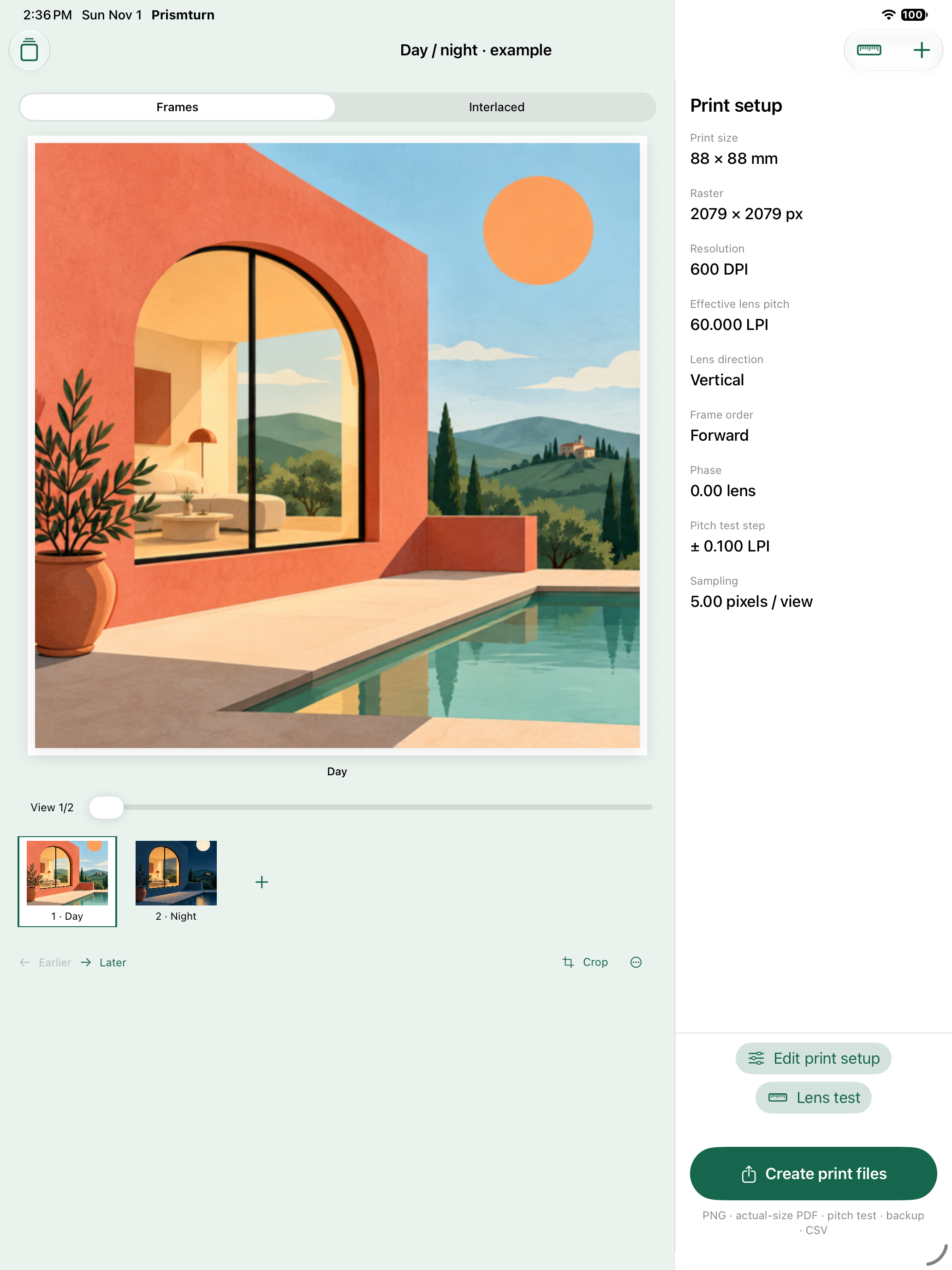
Import your own images, adjust fit or crop, zoom and position, then preview each source frame.
Set the physical geometry.
Control print size, DPI, effective lens pitch, direction, phase and frame order. Inspect the actual interlaced raster.
Take real files to print.
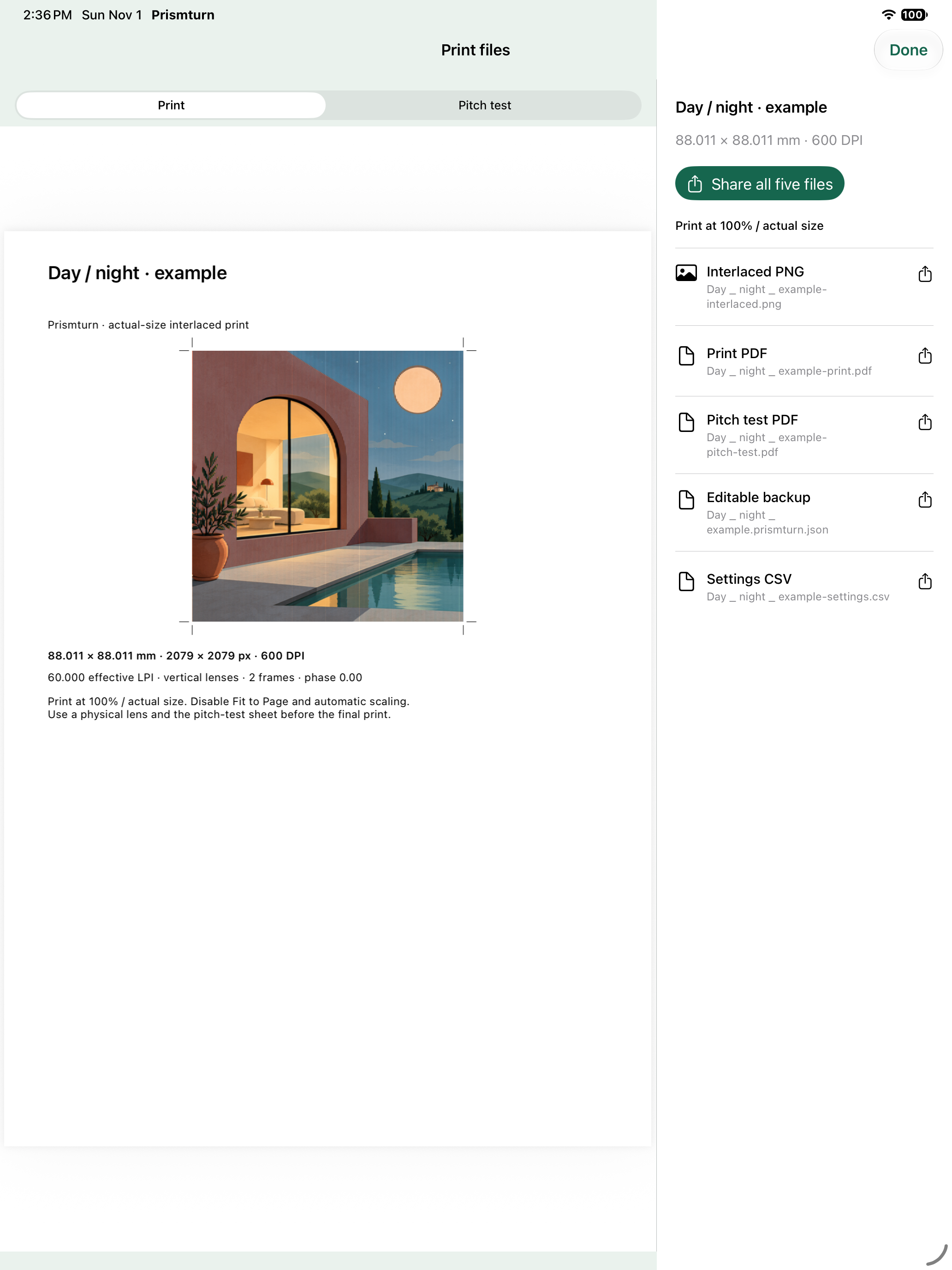
PNG with DPI metadata, actual-size print PDF, pitch-test PDF, settings CSV and editable JSON with source images.
Check the paper, then the lens.
Print at 100% / actual size and disable Fit to Page. Measure the reference ruler before choosing a band. Lens pitch, viewing distance, printer scaling, materials and mounting affect the final effect.
Prismturn does not infer 3D depth, simulate a physical lens, automatically measure calibration, control a printer, produce video or guarantee lens compatibility. Source images are retained at up to 1600 pixels per edge; output is limited to 4096 pixels per edge.