
Pixels alone do not
tell the whole story.
Inspect the size each raster image is drawn in a PDF, calculate effective X/Y DPI, and keep a separate PDF and CSV report.
Android edition in preparation. Google Play registration is pending; the Android app is not available for purchase yet. Planned paid download: US$4.99, with no ads or subscriptions.
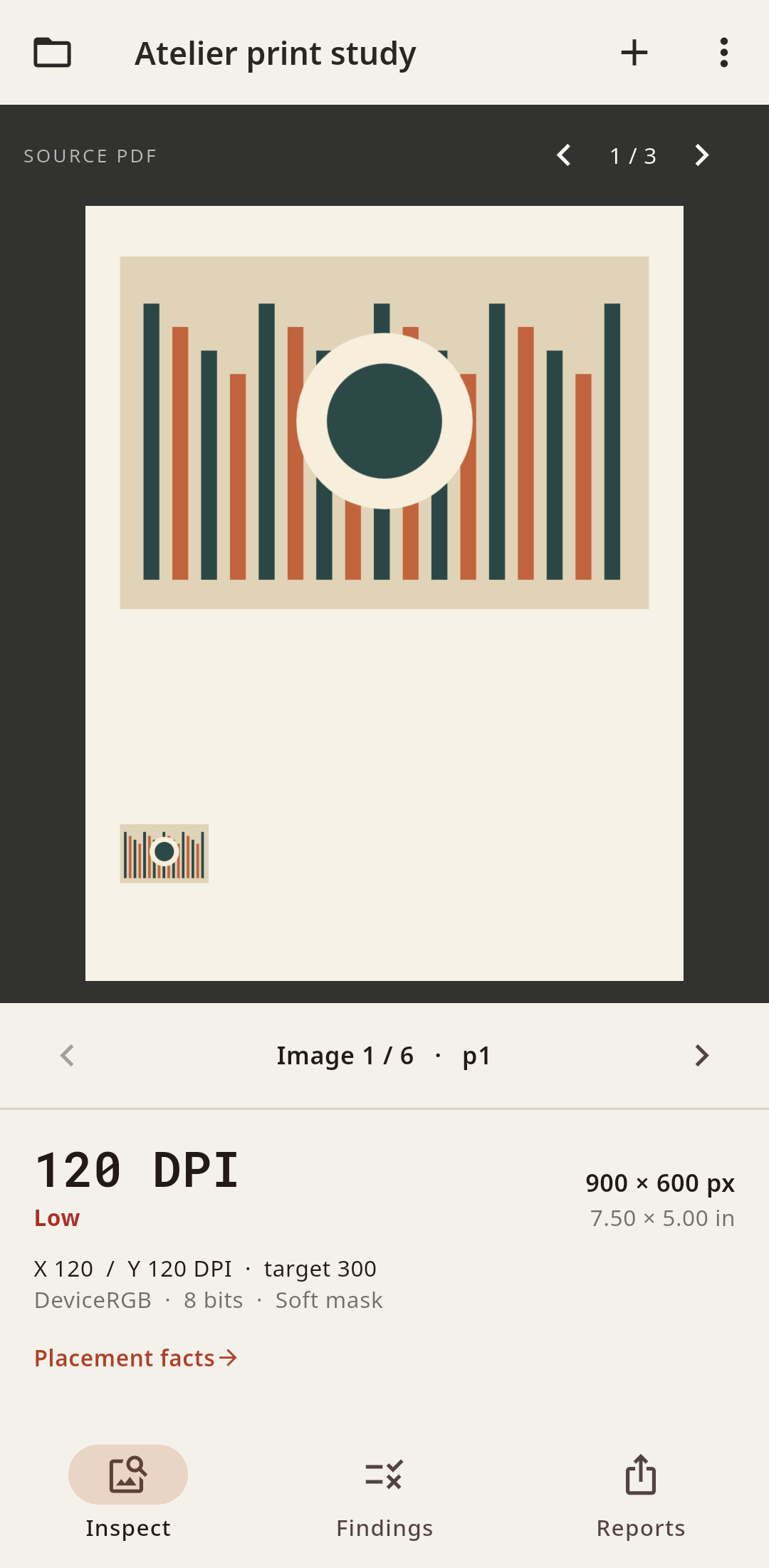
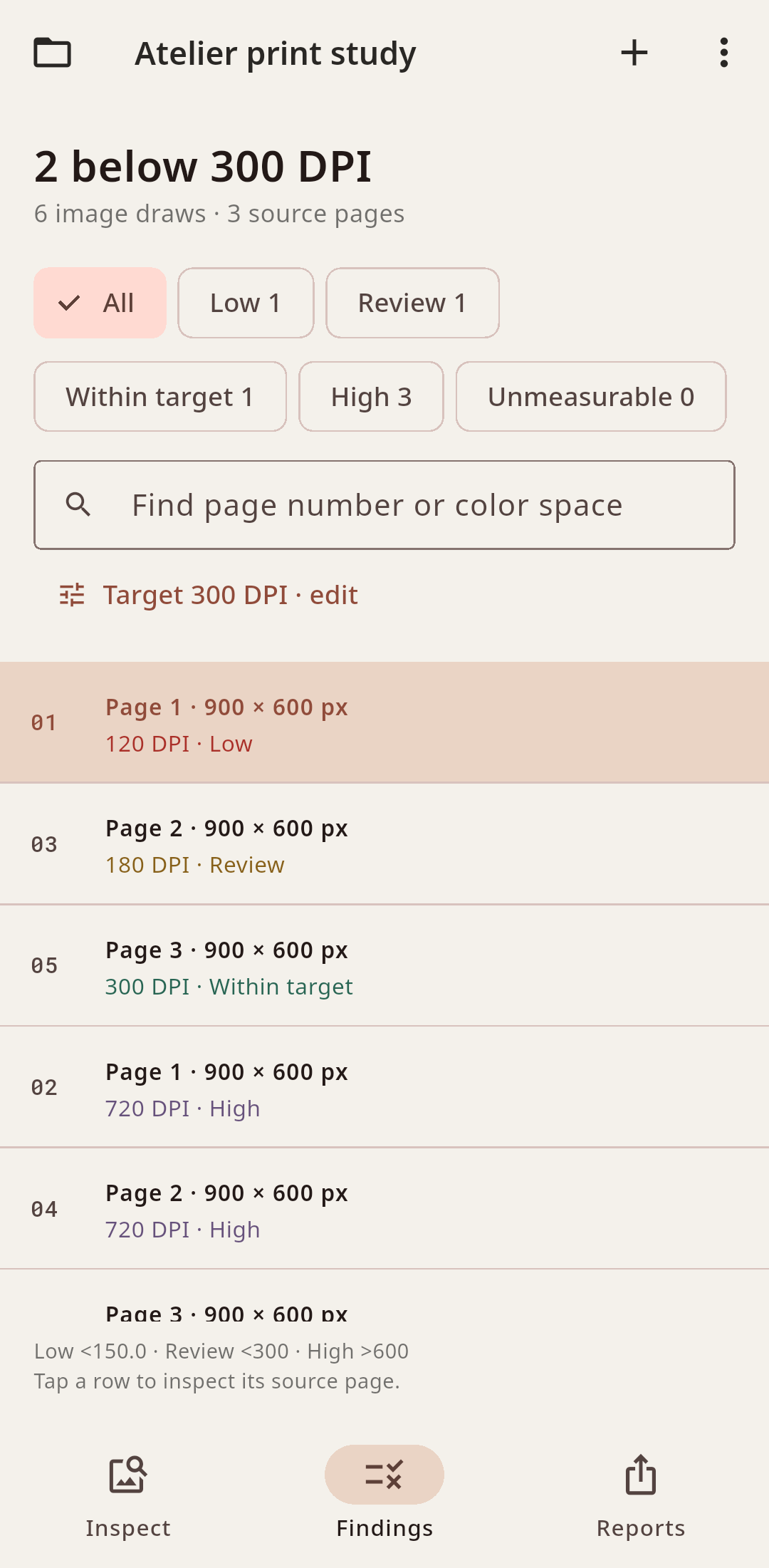
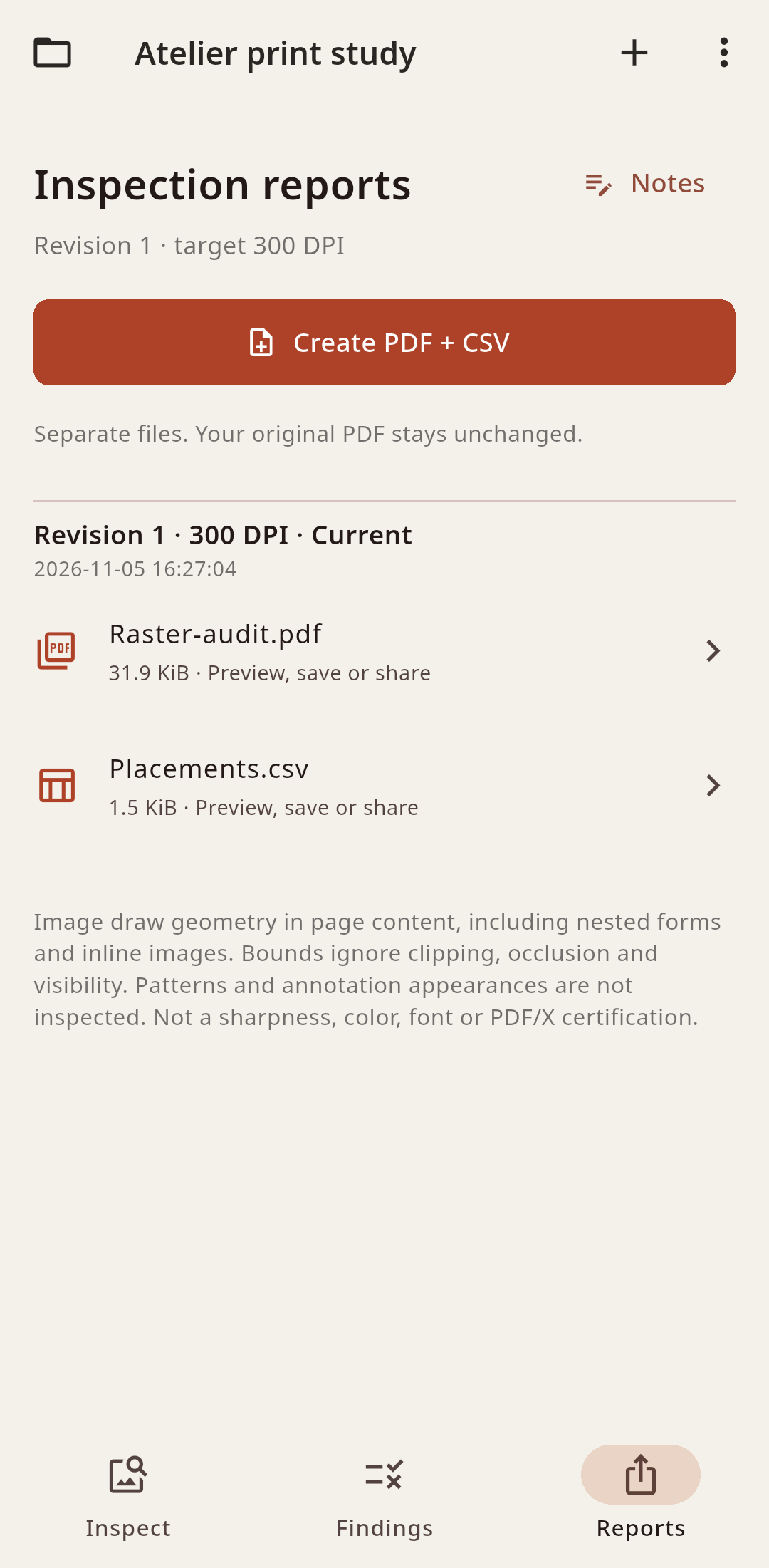
Inspect the actual draw
Repeated images are measured at each placed size, including images inside nested PDF forms and inline images. Pixel dimensions, placed inches, both DPI axes, color-space metadata, encoding and mask flags stay connected to the source page. A tablet keeps the source page alongside image facts and the placement list.
Choose a target, keep a report
Filter resolution bands, change the target DPI and save job notes. Generate a separate PDF report and UTF-8 CSV from a fresh inspection of the unchanged source. Preview, save through Android’s file picker or open a share sheet. Prior reports keep their original target and revision and are labelled when the settings change.
Know the scope
Measurements use full image-draw geometry. Clipping, occlusion and visibility are not evaluated; patterns and annotation appearances are excluded. RasterProof does not certify sharpness, color accuracy, fonts, PDF/X compliance or printer acceptance. A vector-only document is reported without inventing raster results.