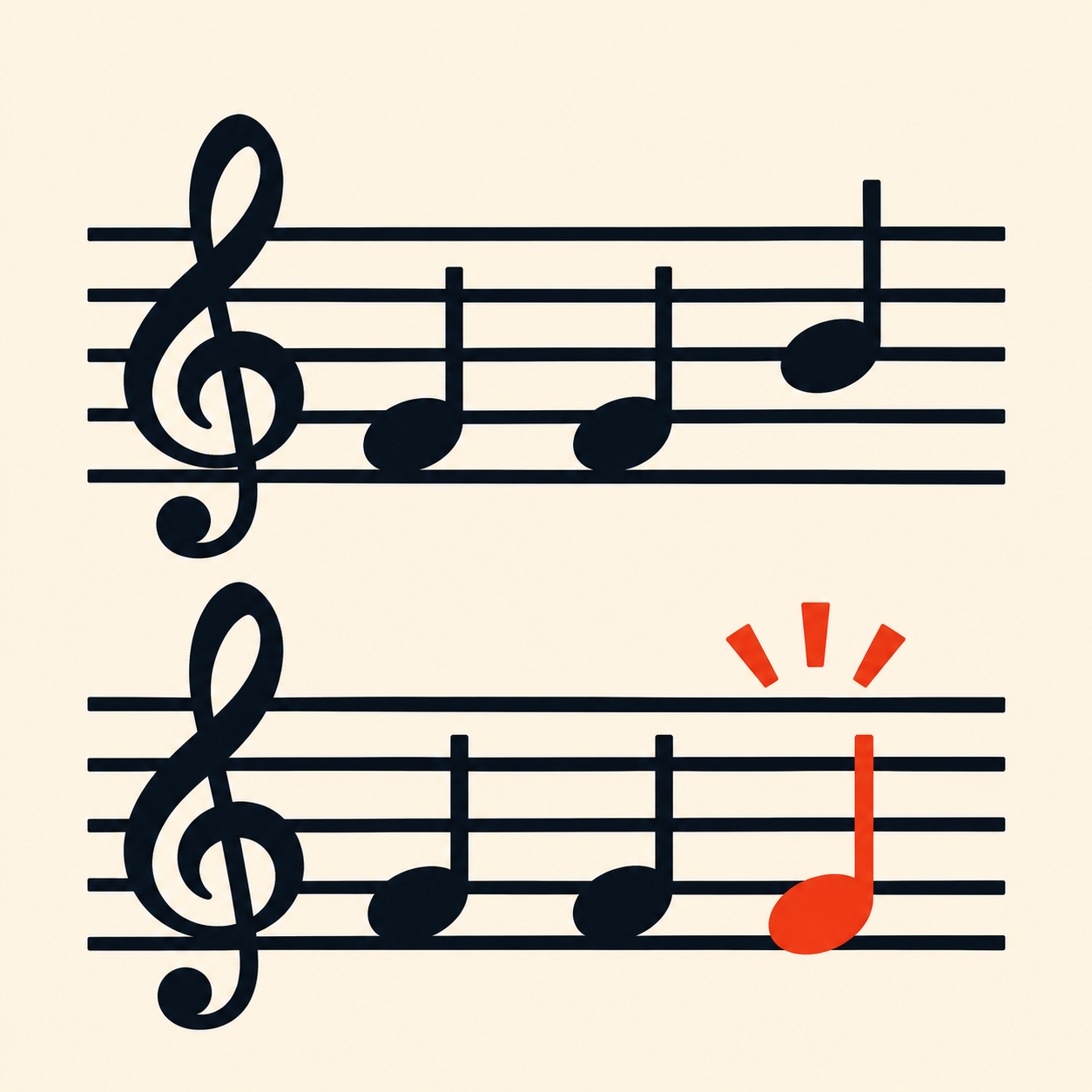
For copyists, engravers and ensemble librarians
Compare the exported part.
Choose a part in the master MusicXML, then compare the separate performer export by exact measure number.
Review pitch/rest and written-duration inventories. Unmatched entries come first, with complete inventories available when you need the detail.
iPhone and iPad · file-based work on your device
The exact part and the exact sources
A full score is not a performer export.
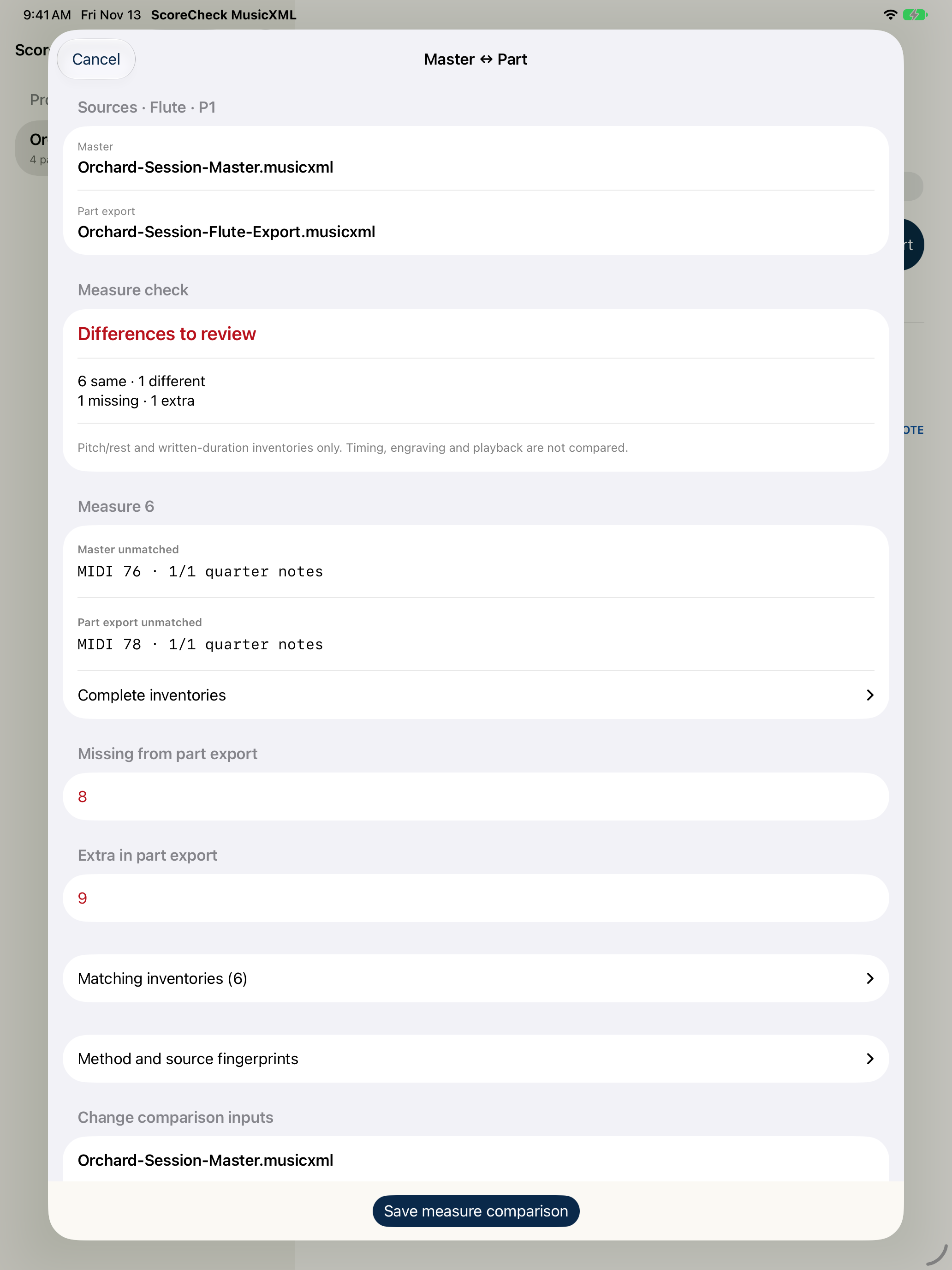
Select the intended master part by its name and identifier. The export must contain exactly one part. Both filenames remain beside the result, so the comparison has a clear source pair.
In the fictional Orchard Session check
- Measure 6
- One pitch entry differs: MIDI 76 → 78.
- Measure 8
- Present in the master, missing from the export.
- Measure 9
- Extra in the export.
Six common measures have matching inventories. This does not establish timing or engraving correctness.
Saved checks
Keep the result attached to its inputs.
Saved comparisons retain the original master and export bytes and their SHA-256 fingerprints. Reopening a saved result revalidates those retained sources before displaying it.
The comparison CSV carries both source filenames and fingerprints. A saved copy does not automatically follow later edits to an external file; import the revised file for a new check.
Separate reports
Export the right kind of evidence.
The master-to-part CSV lists paired measure inventories plus missing and extra measures. A separate measure-audit CSV records the imported score’s meter, encoded beats, voices, pitch range and issue counts.
The structural PDF reports encoded structural findings, with wrapped long text and paginated findings. It is not a score rendering or a comparison PDF.
Across the ensemble
Inspect each encoded part.
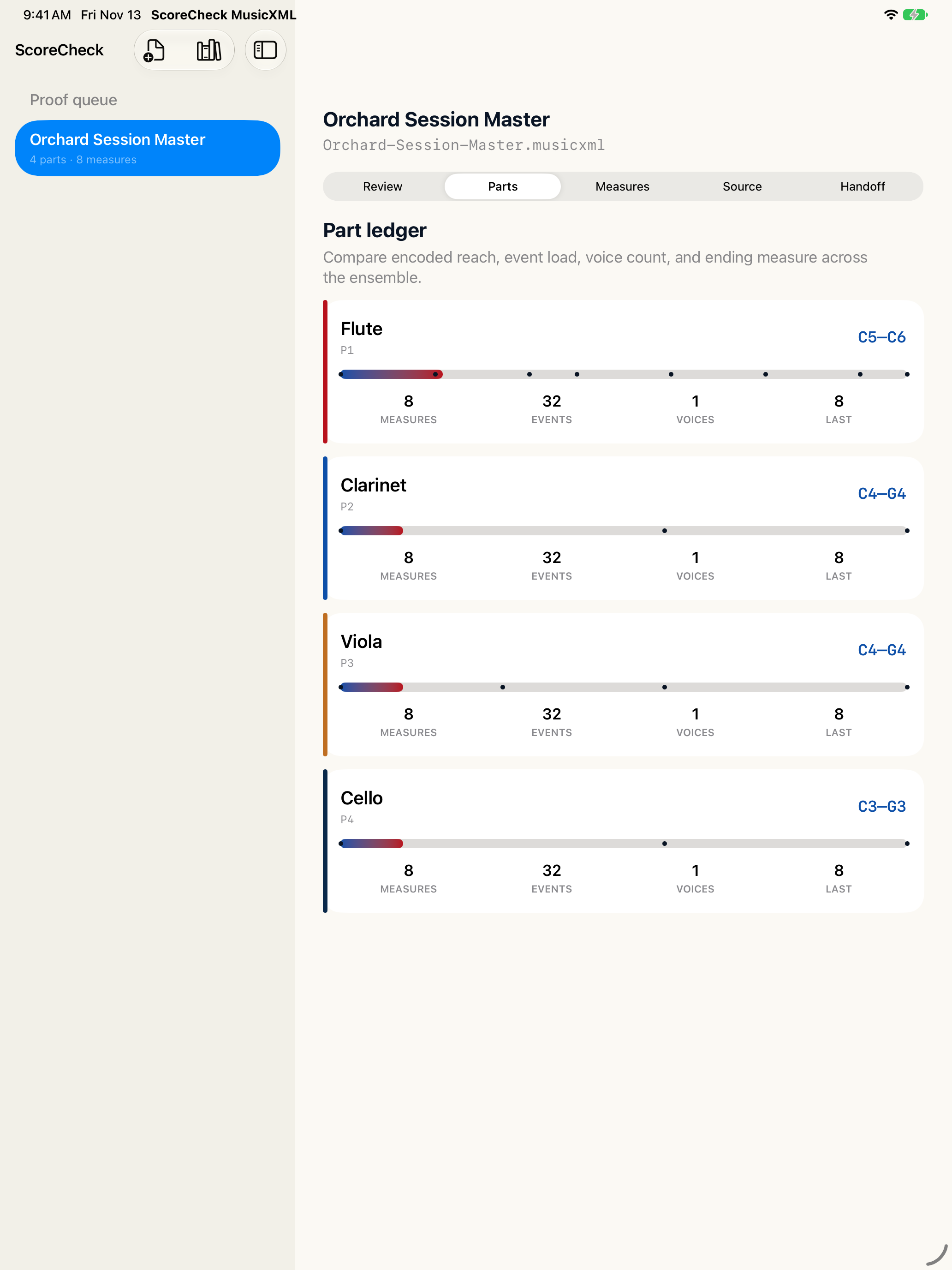
The part ledger shows encoded range, event count, voice count and ending measure for each imported part. Use these as source checks, not orchestration advice.
A focused inventory check.
Use uncompressed score-partwise MusicXML with whole-semitone pitches and positive whole-number duration/divisions values. Grace notes, fractional pitch alterations, unpitched percussion, compressed MXL and unsupported meter forms are rejected with a reason.
ScoreCheck does not render notation, play or edit scores, compare event timing, or guarantee musical correctness or performance readiness. Keep the source and review the music yourself.
Read the format and comparison questions